Break proprietary lock-in
STEP opens in almost any CAD, so people without CATIA can still use the model.
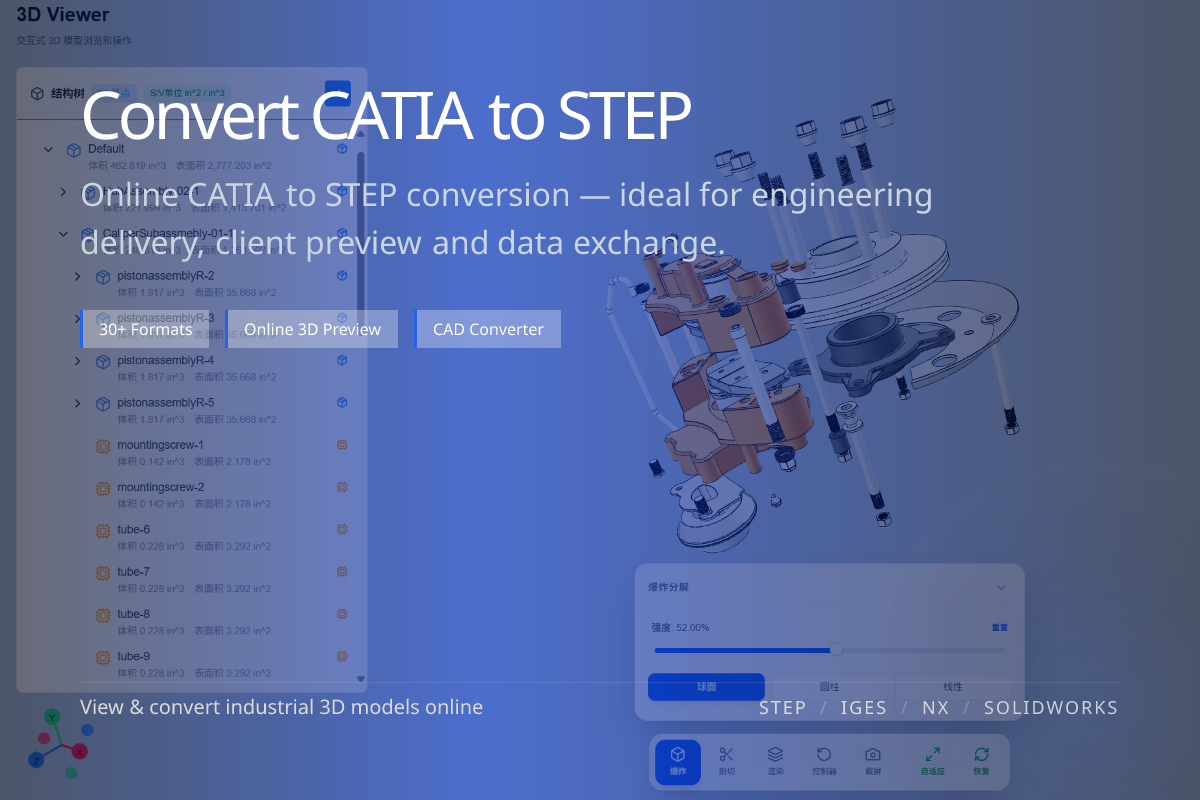
Convert CATIA (.CATPart / .CATProduct) models into universal STEP files for cross-CAD collaboration and archiving. Done online in WO3D — no CATIA license required.
STEP opens in almost any CAD, so people without CATIA can still use the model.
Solid-level exchange preserves geometry for continued modeling downstream.
No CATIA license needed — upload CATPart in the browser and get STEP out.
When design uses CATIA but downstream suppliers, clients or partners run SolidWorks, NX or Creo, STEP is the common language everyone can open.
Sending raw CATIA often leads to files nobody can open — converting to STEP first removes that friction.
Prefer STEP in most cases: better support for solids and assemblies, and a more modern standard.
Only use IGES when the recipient specifically requires it (often legacy systems or surface exchange).
If you only need to look at the model, use the online CATIA viewer — no conversion needed.
For web or mobile display, convert to glTF instead of STEP.