View online
Open CATPart in the browser to rotate, zoom and inspect.
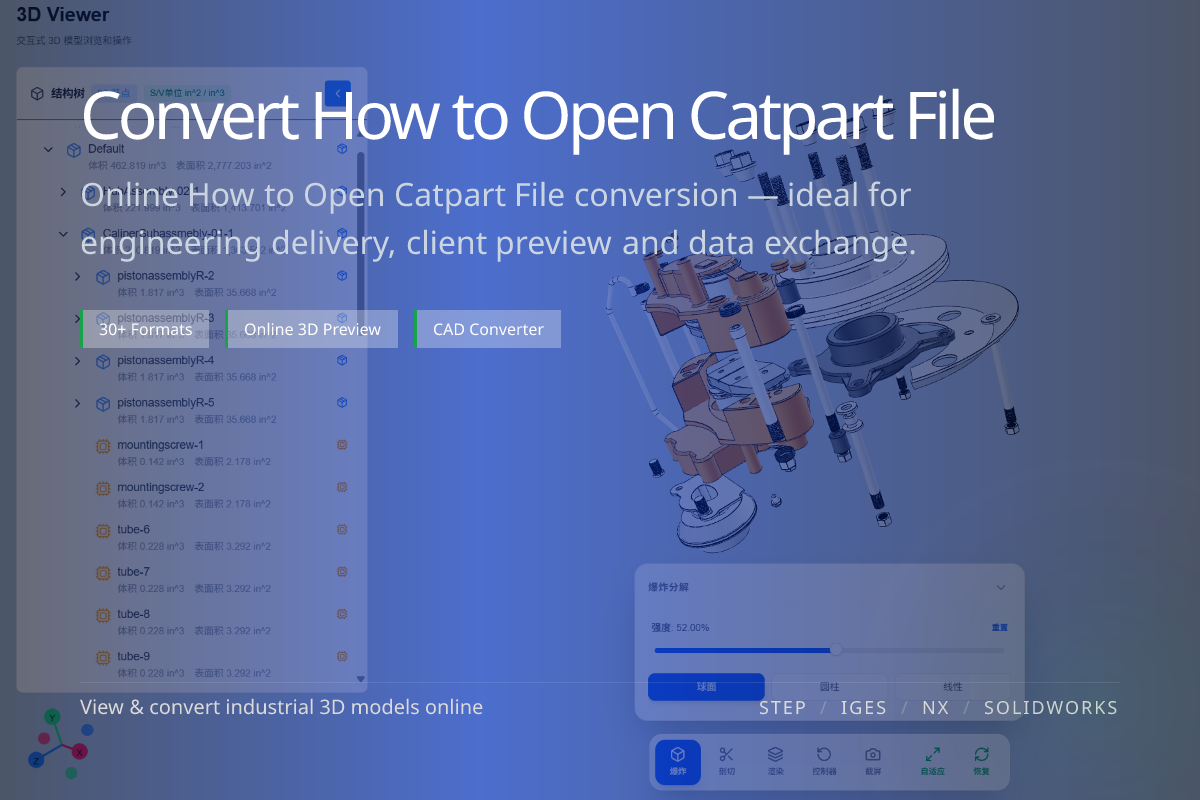
CATPart files come from CATIA V5 and normally need CATIA to open. But to simply inspect the geometry — or to reuse it elsewhere — an online viewer and format conversion are enough, no CATIA license required.
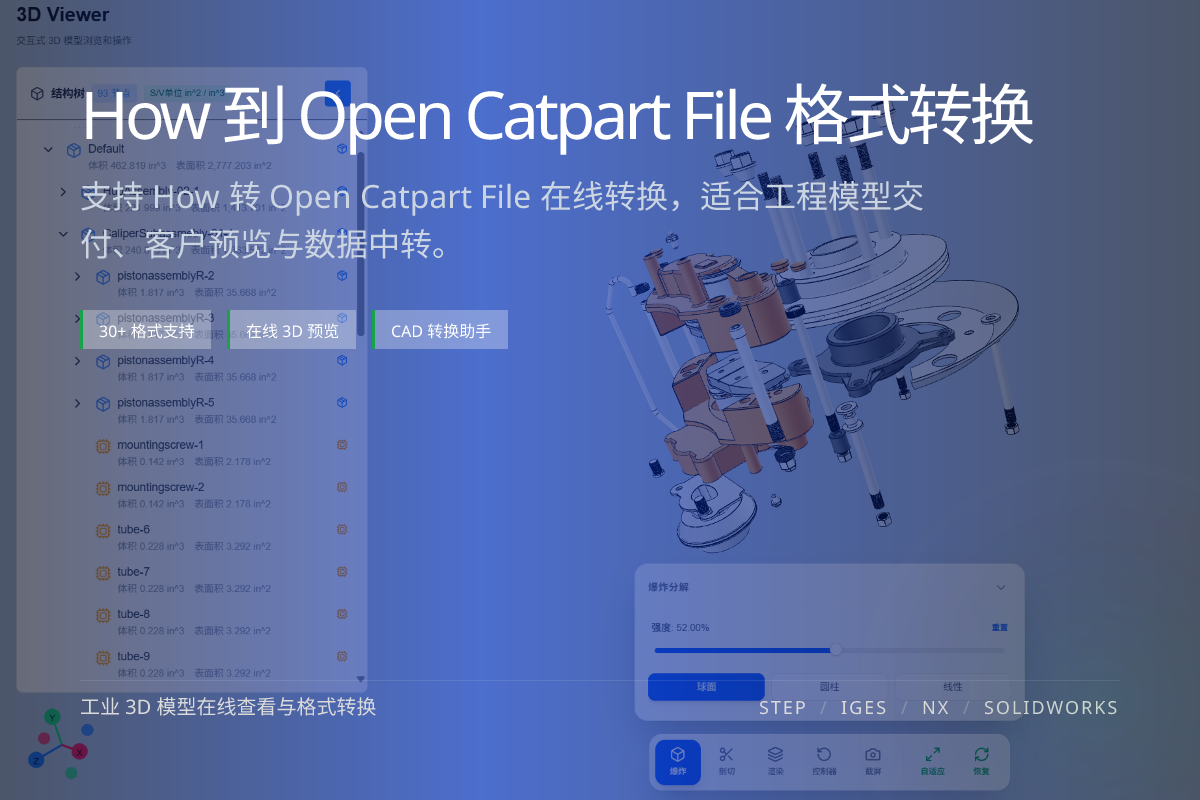
当前页面的正文主图会被搜索引擎直接抓取,用来补强页面主题与缩略图之间的关联。
Open CATPart in the browser to rotate, zoom and inspect.
Get a neutral CAD file that any tool can read.
Export to glTF, OBJ or STL as needed.
CATPart is the part document format of CATIA V5, storing a single component’s geometry and features.
Assemblies use CATProduct, which references multiple CATPart files.
For a quick check, view the CATPart online — no install, no license.
To use it in another pipeline, convert to STEP for CAD interchange or to glTF/OBJ/STL for web, exchange or printing.
Yes. You can view CATPart files online and convert them to neutral formats.
CATProduct references multiple CATPart files; conversion to STEP can preserve the assembly.
STEP for CAD, glTF for web display, STL for 3D printing.