Upload and preview first
Confirm the model opens correctly, the assembly is complete and the structure matches expectations.
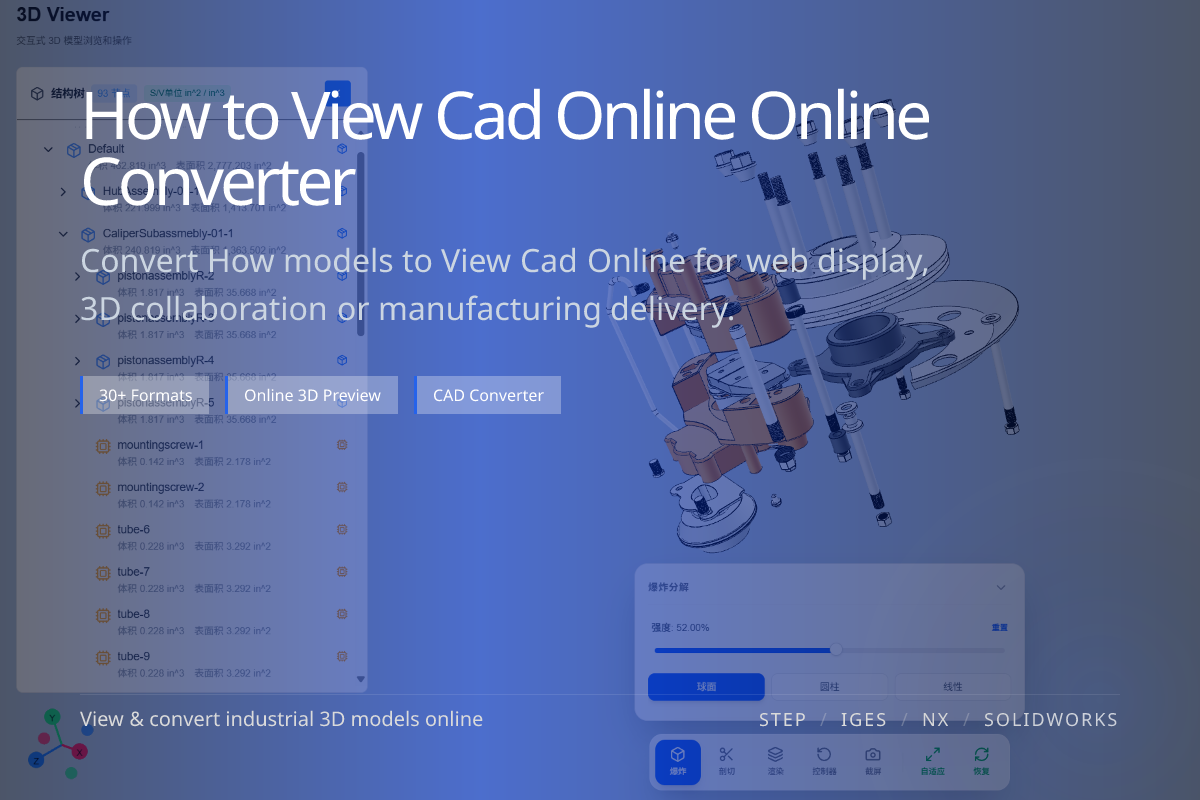
For most collaboration scenarios it is safer to preview the model online first, then decide whether to convert. Confirming structure, assembly relationships and geometry up front avoids picking the wrong delivery format from the start.

Placing the topic image inside the body (not only in metadata) helps search engines pull a thumbnail for guide pages.
Confirm the model opens correctly, the assembly is complete and the structure matches expectations.
Web display tends toward glTF, generic mesh exchange toward OBJ, and print preparation toward STL.
Converting only after a visual check noticeably reduces rework and wasted exports.
Design review, supply-chain communication, customer sign-off, pre-manufacturing checks and cross-team collaboration usually go more smoothly when the model is viewed online first.
Especially when the other party has no local CAD environment, browser-based viewing dramatically lowers communication cost.
Online viewing is about confirmation and review — judging whether a model is correct and worth processing further.
Direct conversion is a delivery action, best when you already know the downstream use and target format.
Common industrial files such as STEP, IGES, CATIA, SolidWorks, Parasolid and NX are all suitable for online preview and confirmation first.
Not necessarily. In many cases you can upload and view directly, then decide whether to convert to glTF, OBJ, FBX or STL.
You can continue to format conversion, web display, generic mesh export or print preparation.