No software needed
View IGES files in the browser without a desktop CAD environment.
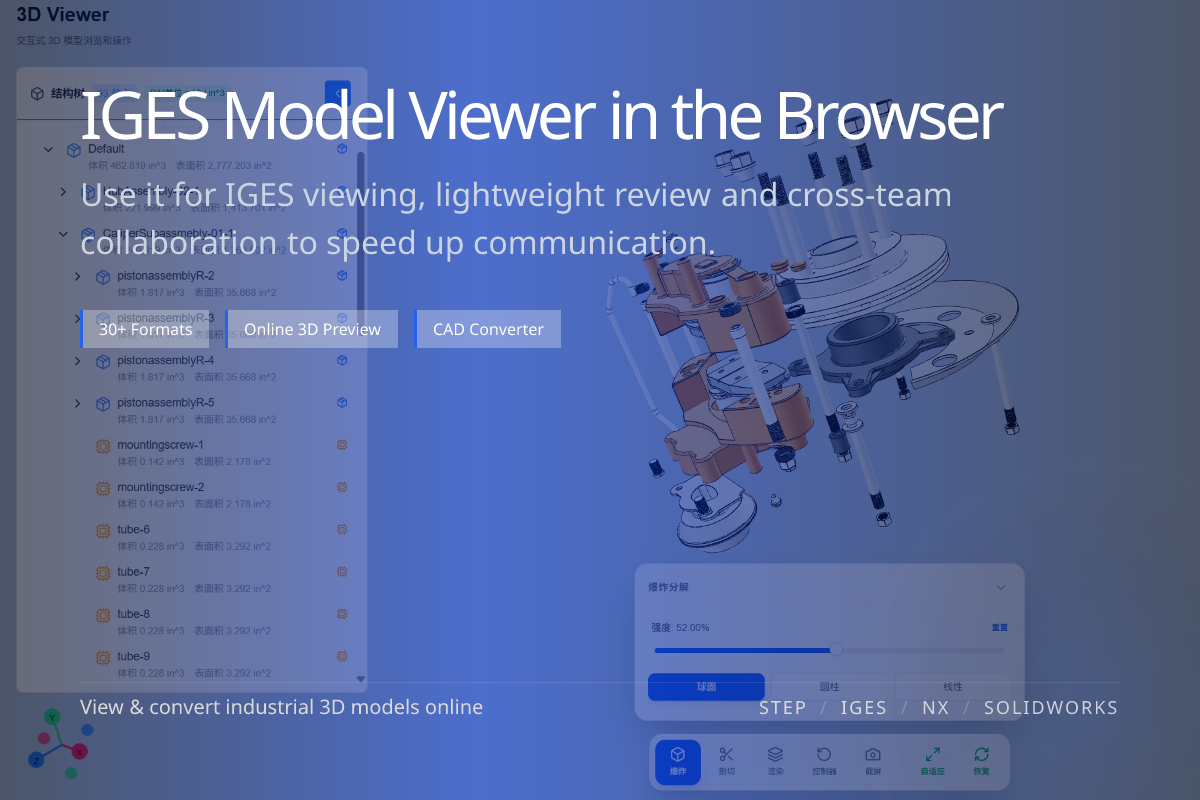
Opens .igs / .iges directly in the browser — no software to install.
Open and preview IGES surface and wireframe models directly in your browser. Inspect legacy CAD data before review, exchange or conversion. No CAD software required.
View IGES files in the browser without a desktop CAD environment.
Quickly confirm older IGES surface/wireframe data is intact.
Once confirmed, convert IGES to STEP, glTF, OBJ or STL downstream.
When you receive legacy IGES data and need to confirm its contents before importing or converting.
For collaborators without CAD, the online viewer is the fastest way to check IGES geometry.
IGES often stores surfaces and wireframe rather than solids; the viewer shows what the file contains.
Use it to spot gaps before attempting a solid conversion.
Viewing confirms the source data; conversion produces a deliverable.
For modern exchange, convert IGES to STEP after confirming the geometry.