Legacy compatibility
Some CAM tools and older systems only ingest IGES — convert and import smoothly.
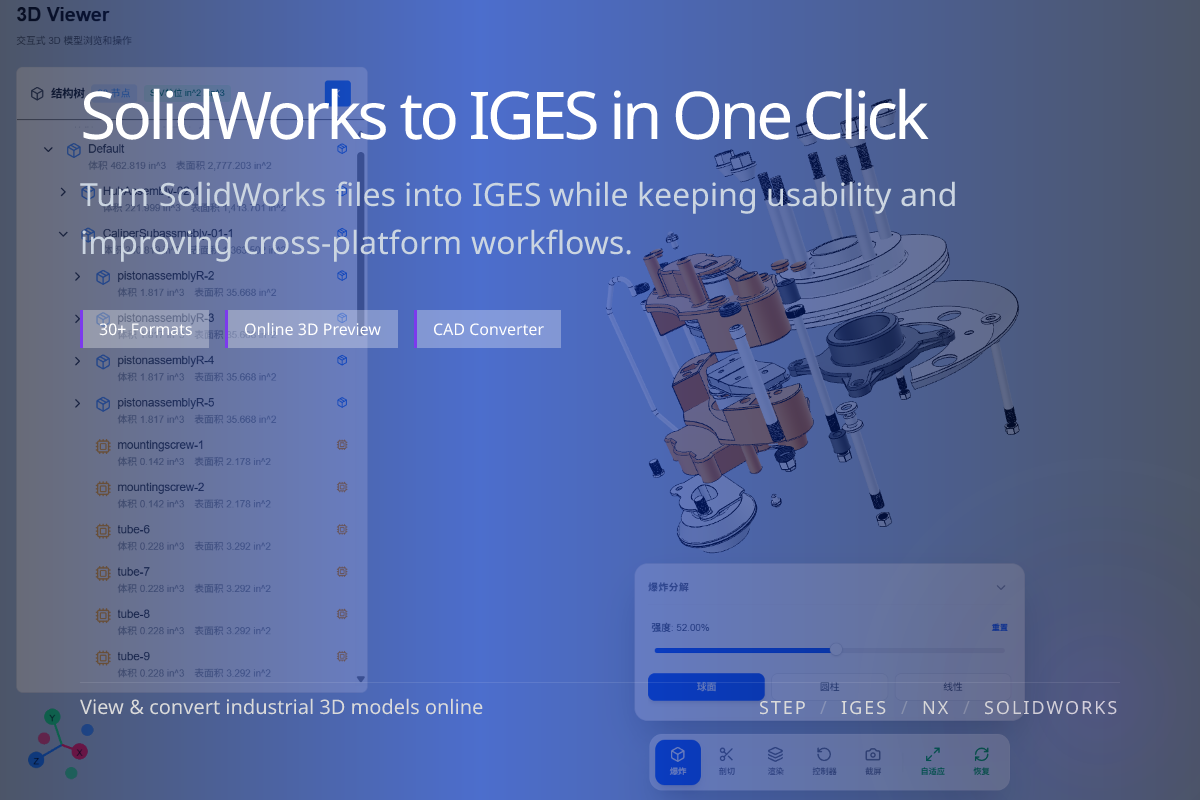
Convert SolidWorks (.sldprt / .sldasm) into IGES (.igs / .iges) for legacy CAD/CAM systems and surface exchange workflows. Done online in WO3D — no SolidWorks license required.
Some CAM tools and older systems only ingest IGES — convert and import smoothly.
IGES remains useful for surface and wireframe handoff in specific pipelines.
No desktop CAD needed — upload your part or assembly in the browser.
When a downstream CAM tool, supplier or client specification only accepts IGES, convert SolidWorks to IGES to interoperate.
If there is no hard IGES requirement, STEP usually offers better solid and assembly support — convert SolidWorks to STEP instead.
IGES is broadly compatible but handles solids and assemblies less robustly than STEP.
Use it when the recipient specifically requires IGES to avoid unnecessary geometry loss.
For most modern cross-CAD collaboration, SolidWorks to STEP is the safer neutral path.
Pick the neutral format the recipient asks for.