Universal exchange
STEP is accepted by virtually every CAD system, so partners can open your design.
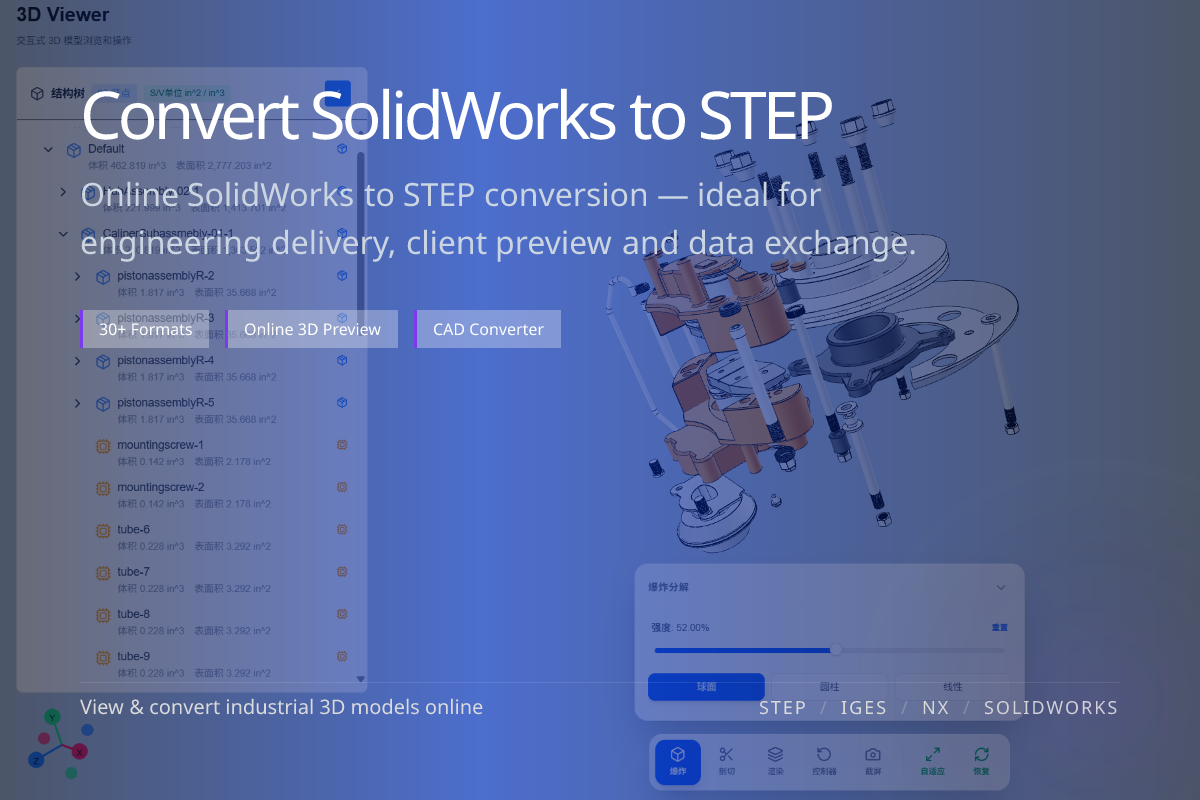
Convert SolidWorks (.sldprt / .sldasm) into STEP (.step / .stp), the universal neutral format for cross-CAD exchange, supplier handoff and long-term archiving. Done online in WO3D — no SolidWorks license required.
STEP is accepted by virtually every CAD system, so partners can open your design.
STEP preserves precise B-rep solids and assembly structure for engineering reuse.
No Dassault SolidWorks needed — upload your part or assembly in the browser.
When you must share a SolidWorks model with a supplier, client or partner on a different CAD system, STEP is the safest neutral handoff.
For long-term archiving and procurement, STEP is more durable than a version-locked native SolidWorks file.
STEP carries solid geometry and assembly structure, but not the SolidWorks feature tree or parametric history.
Recipients get editable B-rep geometry, not your design intent timeline.
Only convert to IGES if a legacy system specifically requires it.
For modern collaboration STEP is the better default.