Legacy compatibility
Some older CAD/CAM systems only accept IGES — convert and import smoothly.
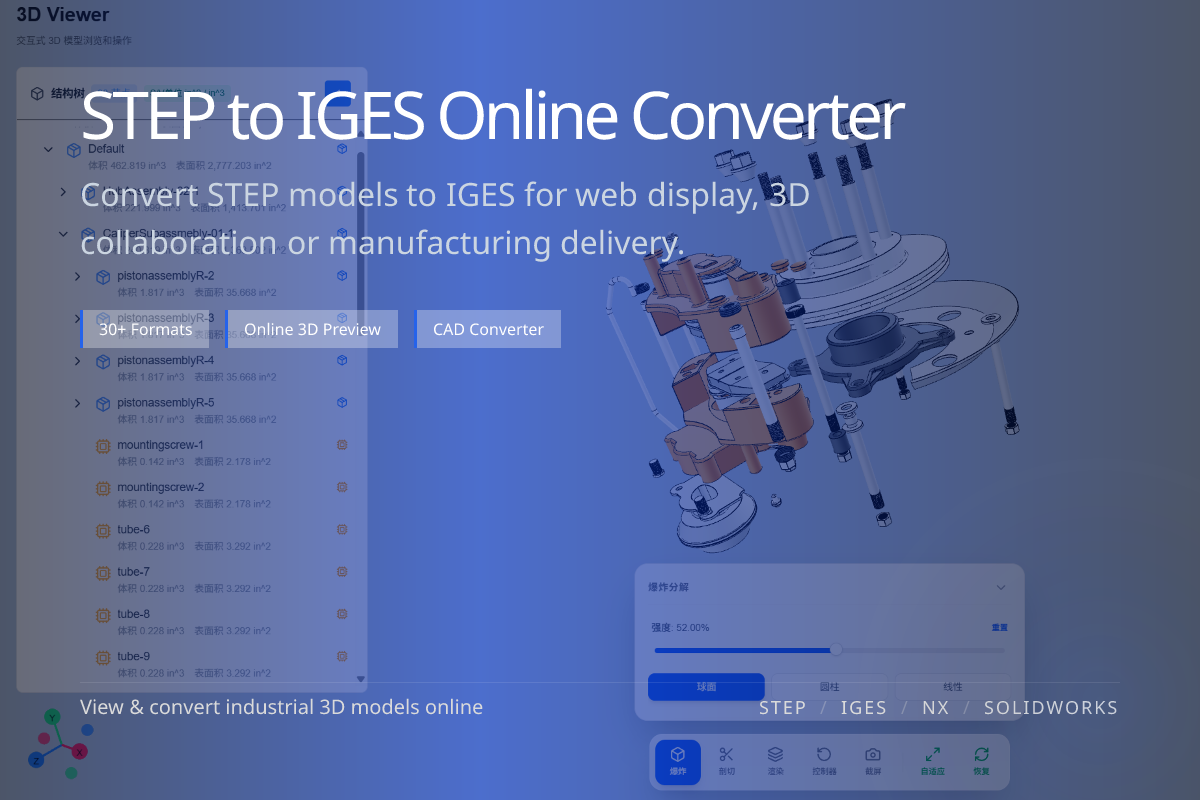
Convert STEP (.step / .stp) into IGES (.igs / .iges) for legacy CAD/CAM systems and surface exchange workflows. Done online in WO3D — no installation required.
Some older CAD/CAM systems only accept IGES — convert and import smoothly.
IGES is still used for surface and wireframe exchange in specific workflows.
No CAD software needed — upload STEP in the browser and get IGES out.
When a downstream system, CAM tool or client specification only accepts IGES, you need to convert STEP to IGES to interoperate.
If there is no hard requirement, STEP usually offers better solid and assembly support — only convert to IGES when asked.
IGES is broadly compatible but supports solids and assemblies less well than STEP.
Use it when the recipient requires it, to avoid unnecessary geometry loss.
For most modern collaboration, keeping STEP is the safer choice.
Switch between the two neutral formats as the recipient requires.