Made for 3D printing
STL is the universal input for slicers — ideal for prototyping and prints.
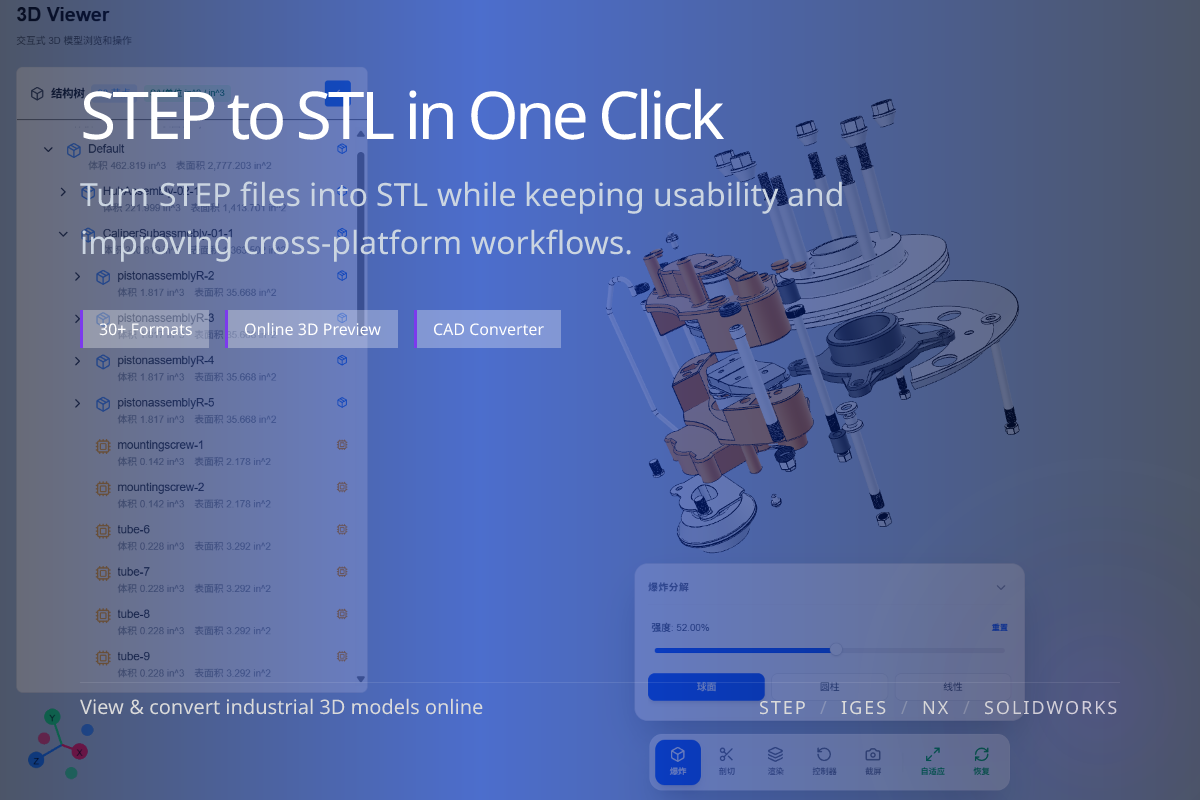
Convert STEP (.step / .stp) CAD models into STL meshes for 3D printing and slicing. Done online in WO3D — no installation required.
STL is the universal input for slicers — ideal for prototyping and prints.
STL is supported by virtually every mesh and printing tool.
No CAD software needed — upload STEP in the browser and get STL out.
When you have finished a design in CAD and want to print a sample or hand it to a print service, STL is the most universal delivery format.
Preview the model online first to confirm the shape, then export STL for printing.
STL approximates surfaces with triangles — finer meshes are more accurate but produce larger files.
Balance mesh density against file size based on your print resolution.
To pass the model to another CAD for editing, use STEP rather than STL.
STL is for printing; STEP is for re-editing.