Why it is common
STEP is highly interoperable, making it the default when companies share engineering models across systems.
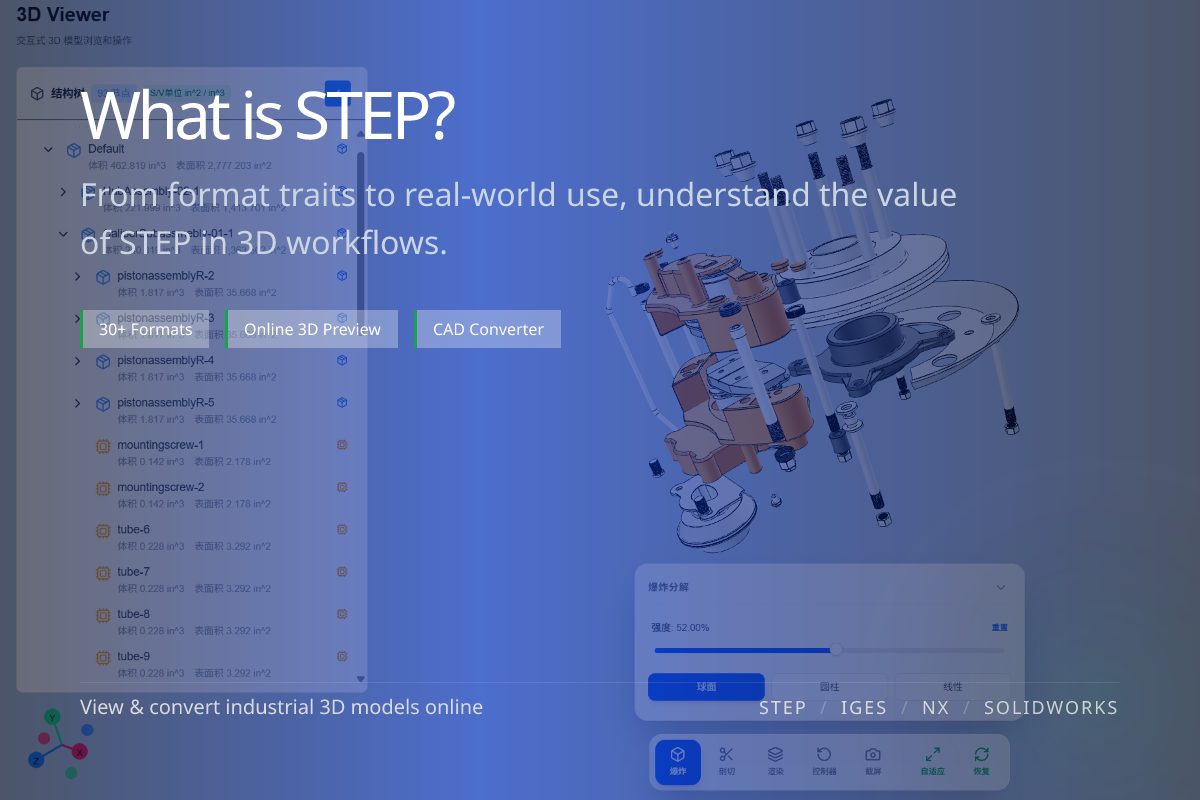
STEP is one of the most common neutral 3D exchange formats in engineering, used to move models between different CAD systems for collaboration, review and downstream conversion. The file you receive often carries the .stp extension.
STEP is highly interoperable, making it the default when companies share engineering models across systems.
Model delivery, supply-chain collaboration, archiving, and conversion to glTF, OBJ, FBX or STL.
STEP is for exchange and collaboration — it is not the native design file of CATIA, SolidWorks or NX.
When you must hand a model to a partner on a different CAD system, archive it long-term, or feed it into web/visualization pipelines, STEP is a stable starting point.
If the goal is cross-system collaboration rather than preserving one tool’s full native design intent, STEP is more universal than a native file.
If you just need to confirm the model, start with the online STEP viewer.
If you need to publish to the web or run a generic mesh pipeline, convert STEP to glTF, OBJ, FBX or STL.