Preview without CATIA
Open CATPart / CATProduct in the browser to inspect.
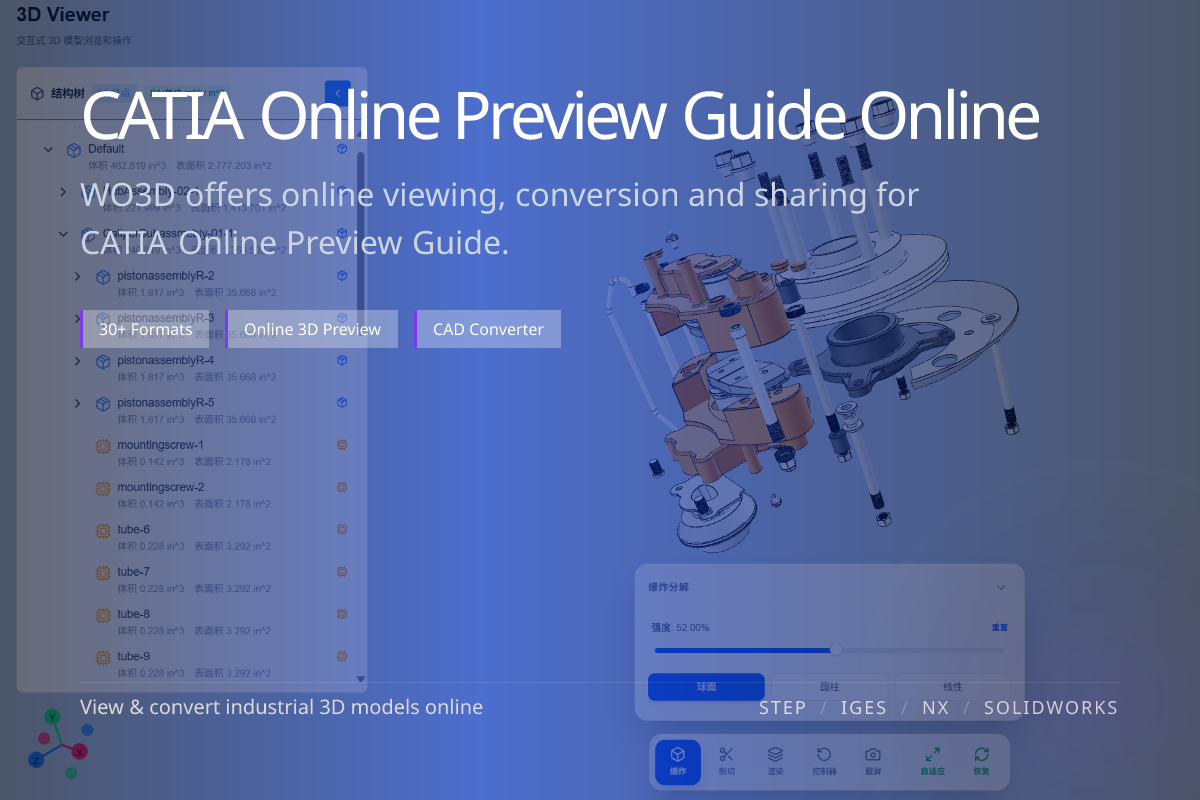
CATIA files normally require a CATIA license, but to review the geometry you can preview CATPart and CATProduct directly in the browser. This guide explains what to expect and when conversion is the better move.
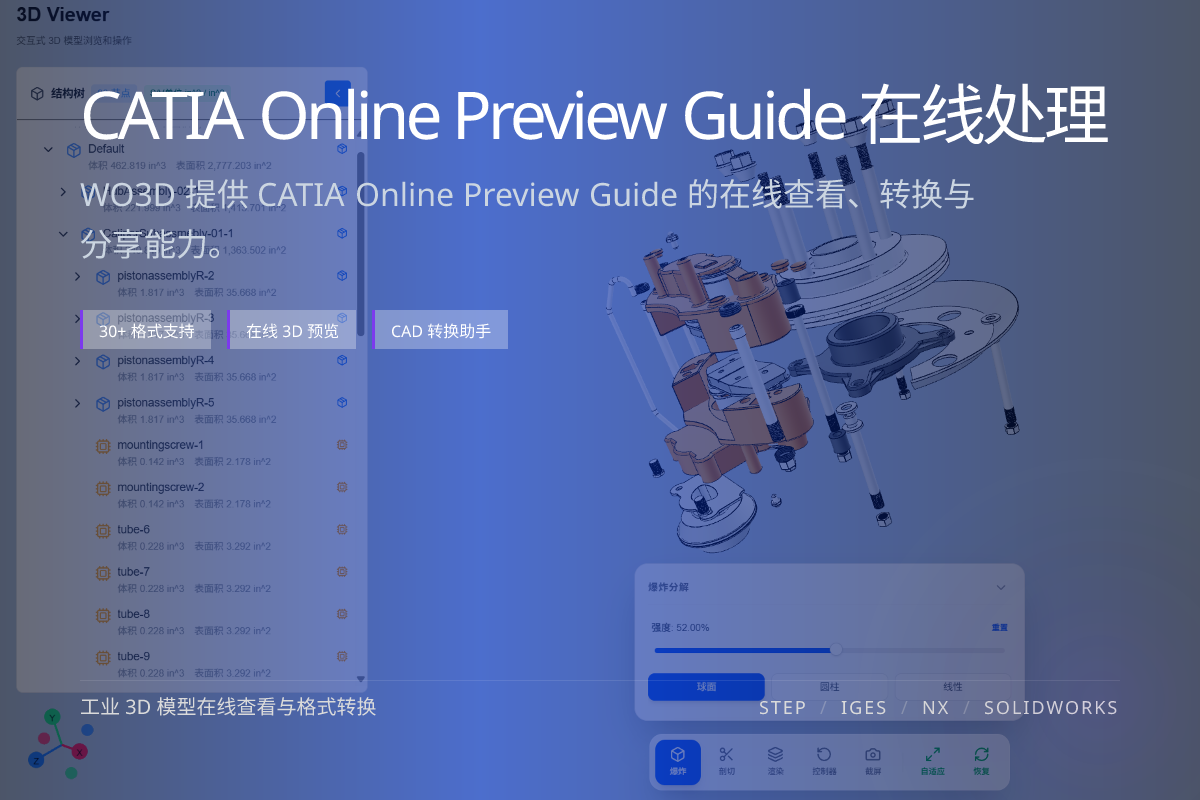
当前页面的正文主图会被搜索引擎直接抓取,用来补强页面主题与缩略图之间的关联。
Open CATPart / CATProduct in the browser to inspect.
Explore structure and part hierarchy in CATProduct.
Export to STEP for CAD or glTF for the web.
Rotate, zoom and inspect the model; browse the assembly tree and overall geometry to confirm the design.
This is ideal for review, sign-off and communication with people who do not have CATIA.
If you need to reuse the model in other tools, convert CATIA to STEP for neutral CAD interchange.
For web display, AR/VR or lightweight sharing, convert to glTF/GLB.
Yes. You can browse the assembly structure and inspect the model in the browser.
No. Online preview and conversion do not require CATIA.
STEP for CAD interchange, glTF for web display.