Universal mesh
OBJ is read by virtually every 3D tool, making CATIA geometry easy to reuse.
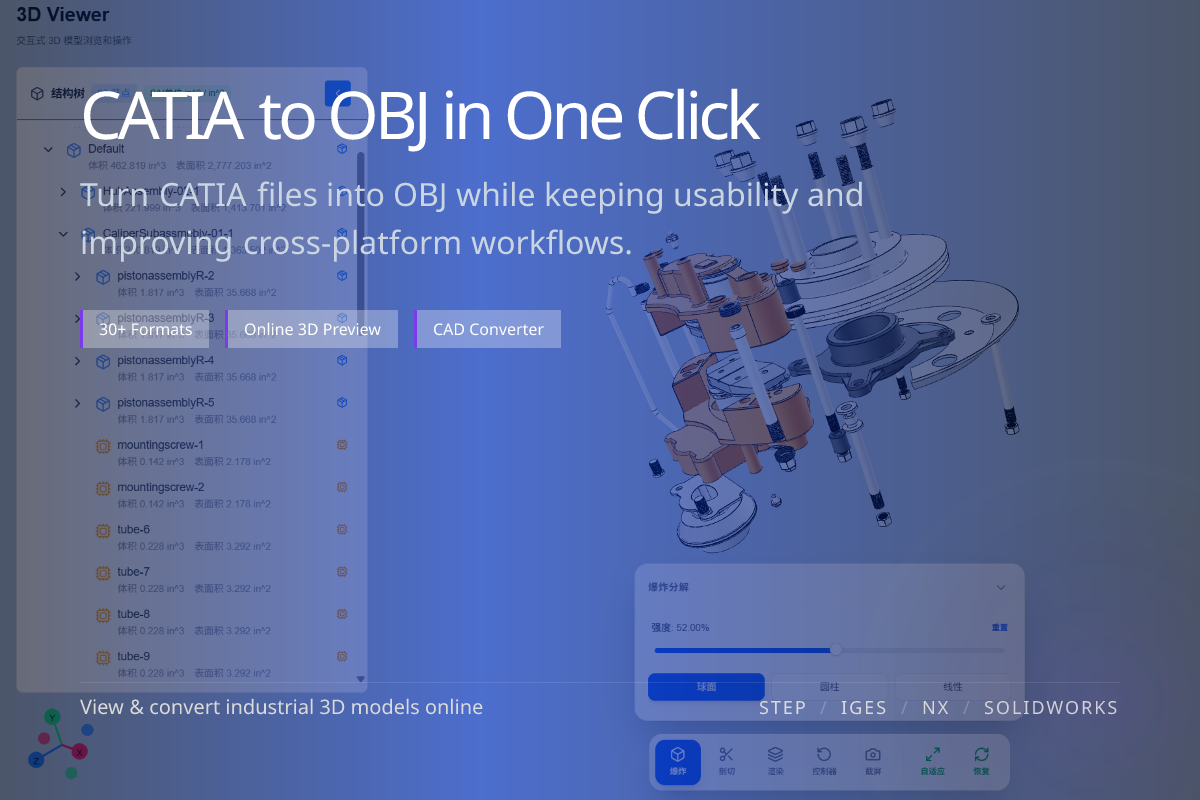
Convert CATIA (.CATPart / .CATProduct) into OBJ mesh for rendering, 3D content pipelines and DCC tools like Blender, 3ds Max and Maya. Done online in WO3D — no CATIA license required.
OBJ is read by virtually every 3D tool, making CATIA geometry easy to reuse.
Bring CATIA shapes into Blender, 3ds Max, Maya or KeyShot for visuals.
No Dassault software needed — upload CATPart / CATProduct in the browser.
When you need CATIA geometry inside a rendering or DCC pipeline, OBJ is a dependable, widely supported mesh format.
For web delivery prefer glTF / GLB; OBJ is best for offline rendering and content authoring.
OBJ stores tessellated meshes, so parametric history and exact B-rep are not preserved.
Keep a STEP export if an engineer still needs editable CAD geometry.
OBJ pairs with an MTL file for basic materials.
For richer PBR materials in real-time engines, use glTF / GLB instead.