Added & removed parts
See exactly which components appeared or disappeared between versions.
When a model is revised, the safest way to review it is a structured comparison of the old and new versions — not opening them side by side and squinting. A proper diff lists every added, removed and changed part.
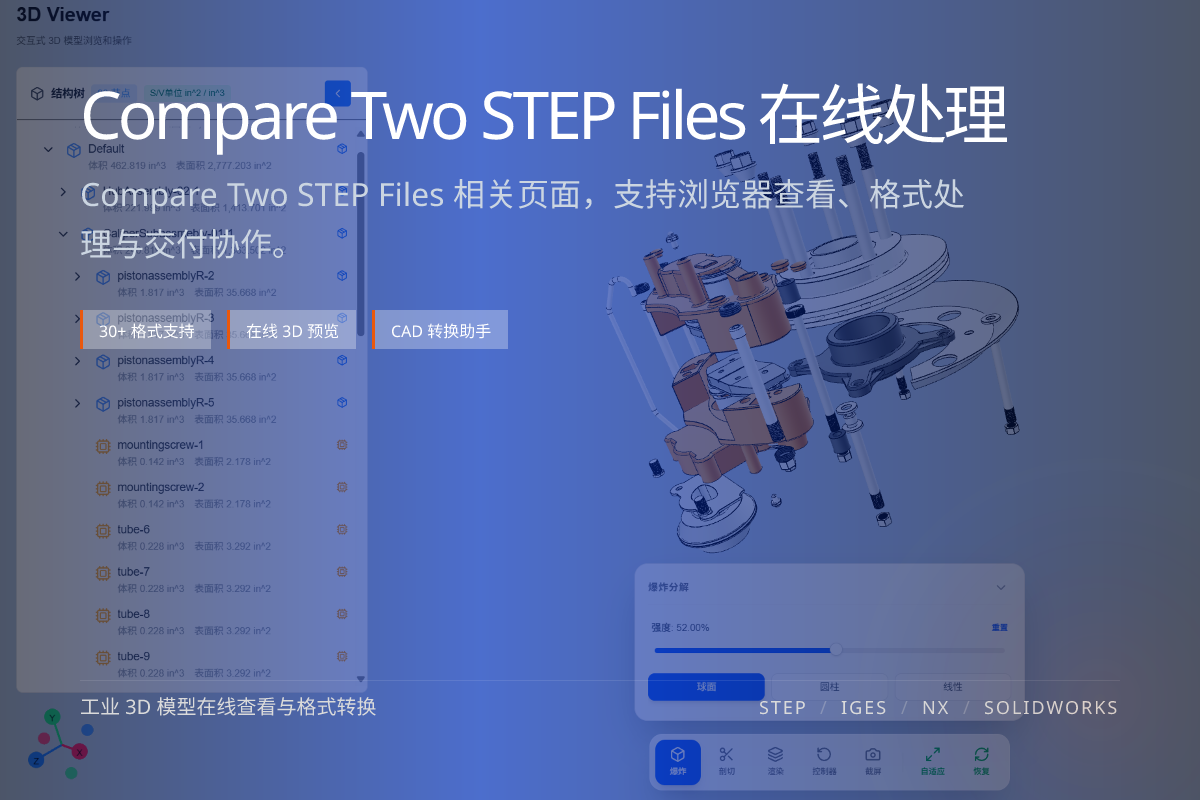
当前页面的正文主图会被搜索引擎直接抓取,用来补强页面主题与缩略图之间的关联。
See exactly which components appeared or disappeared between versions.
Detect parts whose shape, size or mesh changed.
Spot material swaps and attribute changes that are easy to miss.
Manually opening two STEP files and rotating them rarely reveals small but important edits — a moved hole, a thinned wall, a swapped fastener.
A deterministic comparison classifies each node so nothing is missed during review.
Upload both versions of the model, then run the comparison to generate a change list grouped by added, removed and modified parts.
Use the result as a review checklist and as evidence in change reports for the team or customer.
Added/removed parts, geometry changes, material changes and metadata/attribute changes.
Yes — comparison is most meaningful between two versions of the same model.
Yes. A change report makes review and customer sign-off much clearer.