Part-level diff
Every component is labeled added, removed or changed.
When a model is revised, a structured comparison tells you precisely what changed instead of asking everyone to remember. It classifies each part as added, removed or modified and surfaces geometry and material differences.
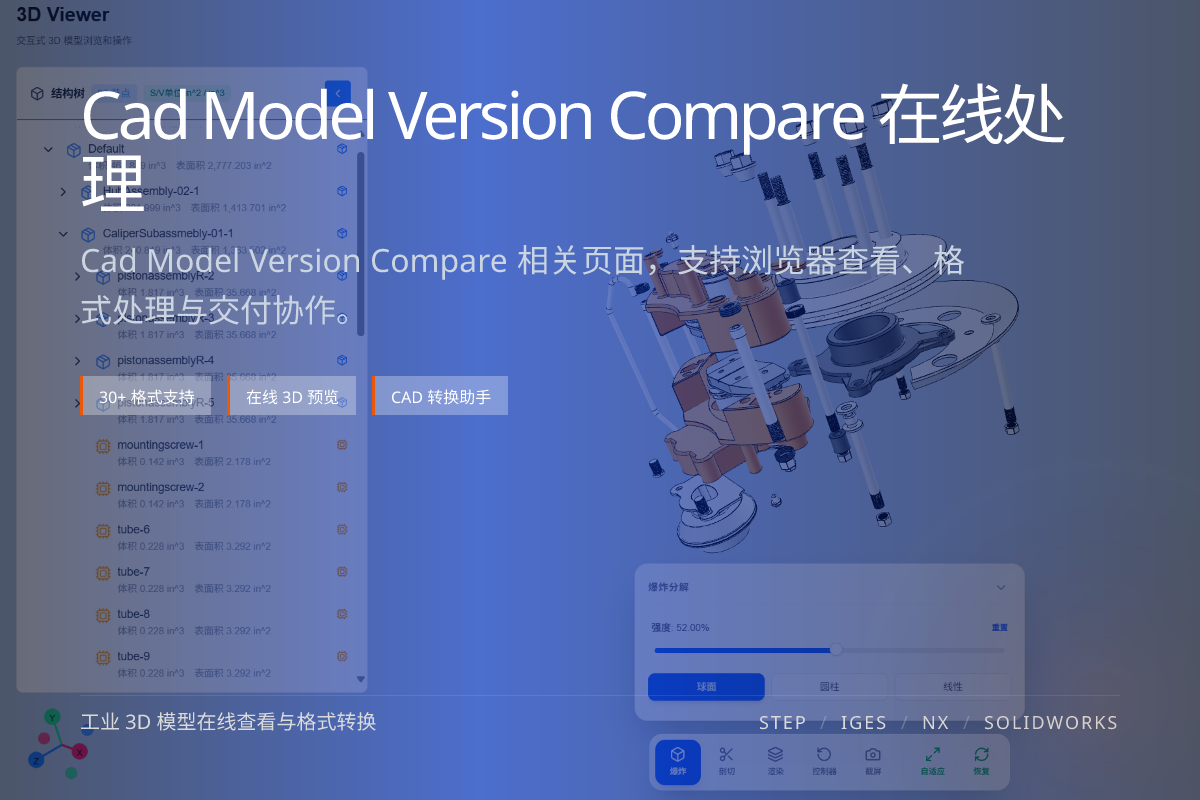
当前页面的正文主图会被搜索引擎直接抓取,用来补强页面主题与缩略图之间的关联。
Every component is labeled added, removed or changed.
Detects shape, size and mesh differences, not just names.
Replace “I think this moved” with a concrete change list.
Two versions of the same model are analyzed and their assembly trees are matched node by node.
Each node is classified, and differences in geometry, material and attributes are reported.
Design review, supplier change confirmation and customer sign-off all benefit from an explicit diff.
The result doubles as a checklist and as evidence in a change report.
Added/removed parts, geometry changes, material changes and metadata differences.
Yes, comparison is meaningful between two revisions of the same model.
Yes. The comparison can be turned into a shareable change report.