Group by model
Keep every revision of one product together instead of scattered files.
\u201Cfinal_v2_really_final.step\u201D is not version management. Grouping revisions of the same model, marking the current one, and being able to diff any two versions removes guesswork from review and delivery.
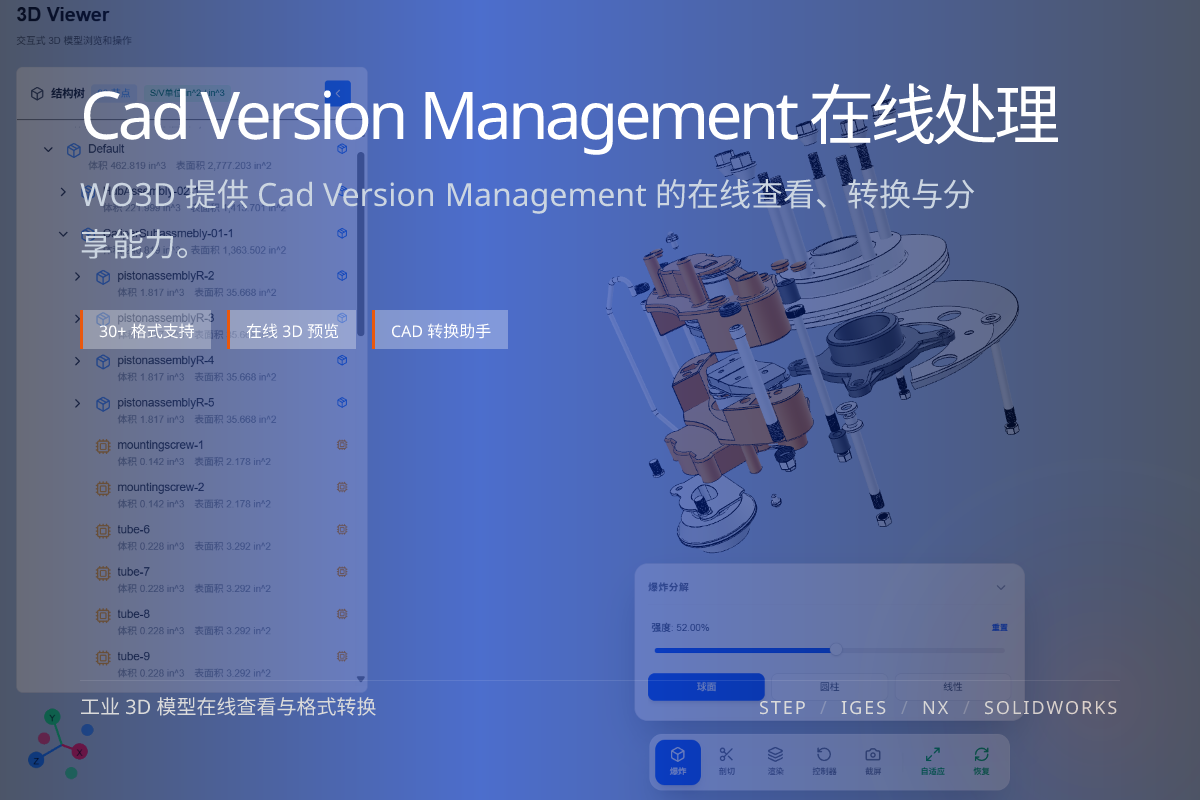
当前页面的正文主图会被搜索引擎直接抓取,用来补强页面主题与缩略图之间的关联。
Keep every revision of one product together instead of scattered files.
Always be clear which revision is the latest, approved one.
Diff any two versions to see exactly what changed.
When versions live as ad-hoc filenames, people send the wrong revision, rework the wrong model, and lose the change history.
A version group ties revisions together so the latest and previous states are unambiguous.
With grouped versions you can compare old vs. new, generate change reports, and share the correct revision with confidence.
It turns “which file is right?” into a non-question.
A collection of revisions of the same model, so you can track and compare them together.
Yes. You can diff any two revisions to see added, removed and modified parts.
It is lightweight version tracking focused on viewing and comparison, not a full PLM system.