View-only access
Recipients rotate and inspect the model without getting the editable source.
Sending the raw STEP or native file gives away your editable IP. A safer approach is a view-only share link that lets others inspect the model in the browser while you keep control over access, downloads and lifespan.
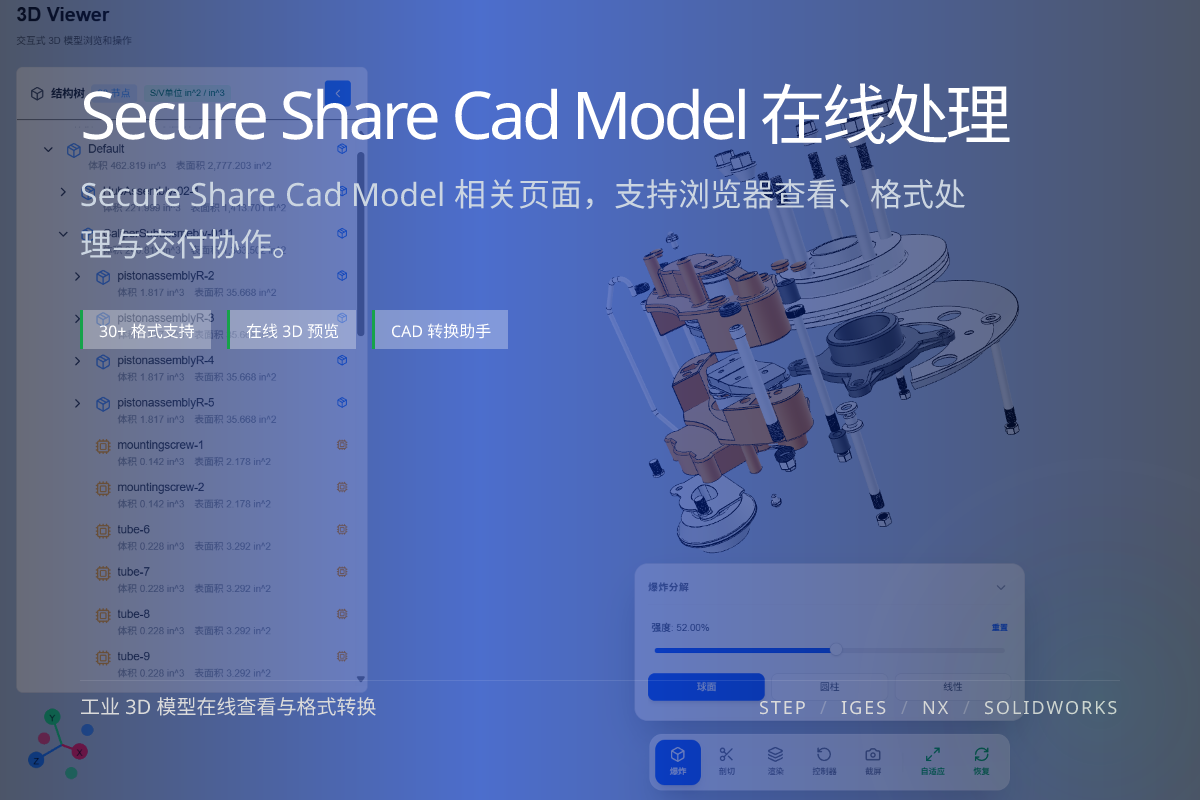
当前页面的正文主图会被搜索引擎直接抓取,用来补强页面主题与缩略图之间的关联。
Recipients rotate and inspect the model without getting the editable source.
Add a password and an expiry date so the link is not shareable forever.
Disable downloads and apply a watermark to deter leaks.
A native or STEP file can be reverse-engineered, edited and re-manufactured. Once it leaves your hands, you lose control.
For review, sign-off and sales demos, the recipient usually only needs to see the model — not edit it.
A browser-based view-only link removes the need to install software and keeps the source private.
Layer on password protection, expiry, download toggles and watermark text to match your confidentiality needs.
No. A view-only link lets them inspect the model but not access or edit the source file.
Yes. You can set an expiry date and disable the link when sharing is no longer needed.
Yes. Downloads can be turned off and a watermark applied to discourage leaks.