No install required
Recipients open the model in any modern browser — desktop or mobile.
Asking a customer to install a CAD viewer just to approve a design is a major source of friction. A browser-based viewer removes that barrier — they open a link and immediately see the model.
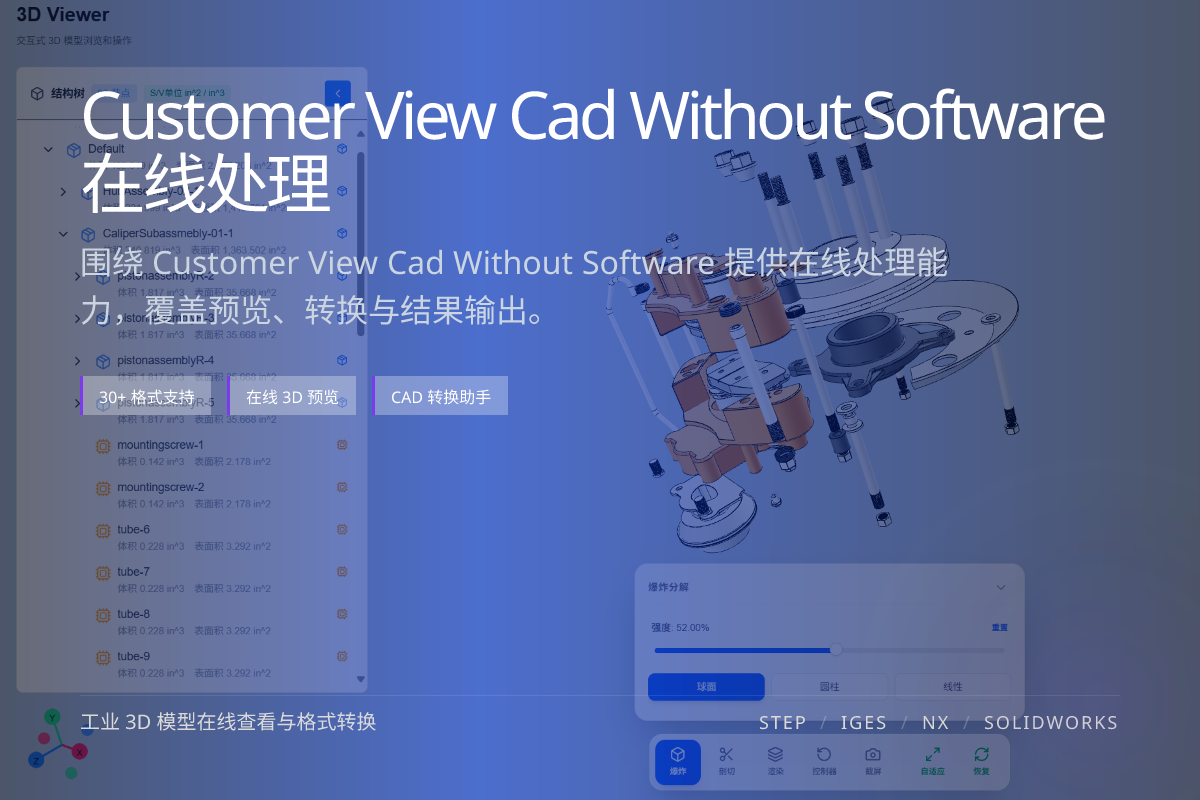
当前页面的正文主图会被搜索引擎直接抓取,用来补强页面主题与缩略图之间的关联。
Recipients open the model in any modern browser — desktop or mobile.
Remove the wait for software setup so approvals happen sooner.
Sales, clients and managers can inspect models without CAD skills.
Every required download, license or plugin is a chance for the other side to stall or give up.
For approvals and demos, the goal is to let people see the model in seconds, not to make them set up a CAD environment.
Upload the model once and share a link; the recipient rotates, zooms and inspects it directly in the browser.
Combine with a view-only secure link to protect the source file while still enabling review.
No. With a share link they can view the model directly in the browser.
Yes. Modern browsers on phones and tablets can open the viewer.
No. A view-only link lets them inspect the model without downloading the editable source.