View in the browser
Open SLDPRT / SLDASM online to rotate, zoom and inspect.
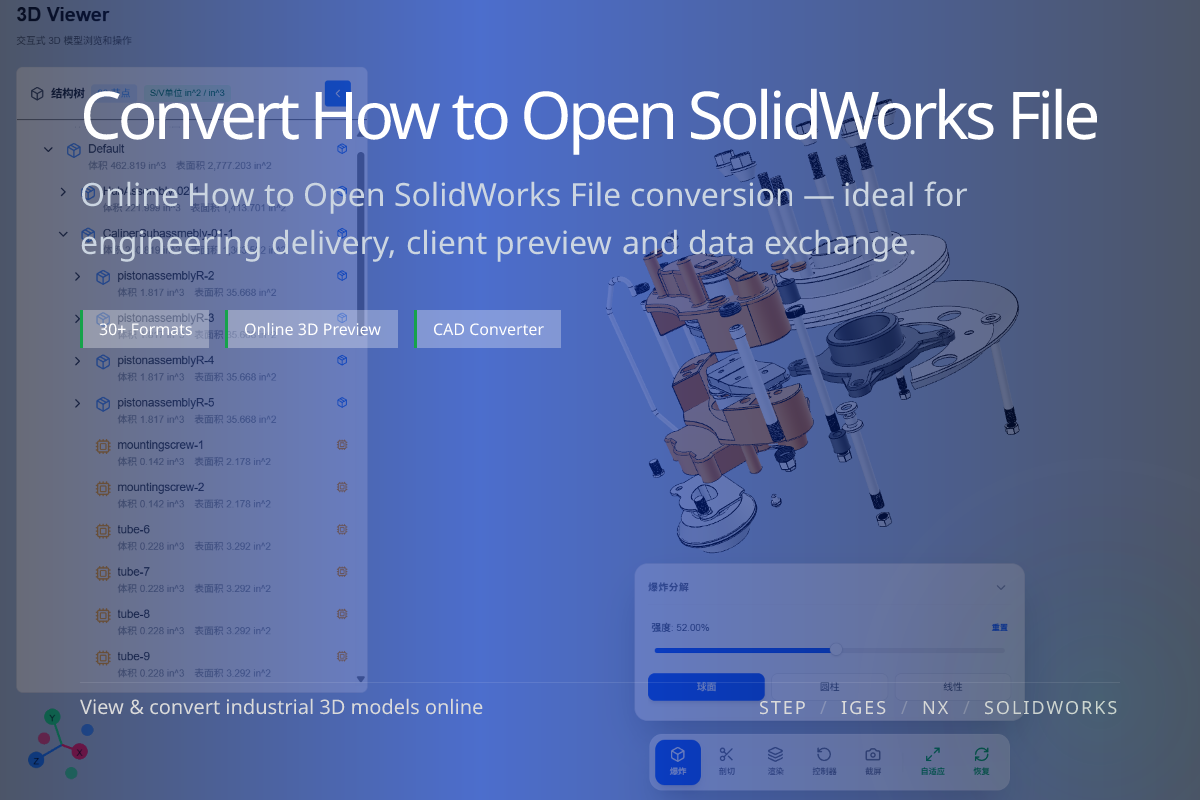
SLDPRT and SLDASM are SolidWorks part and assembly files. You do not need a full SolidWorks license just to look at them — an online viewer can open them for inspection, and conversion makes them portable.
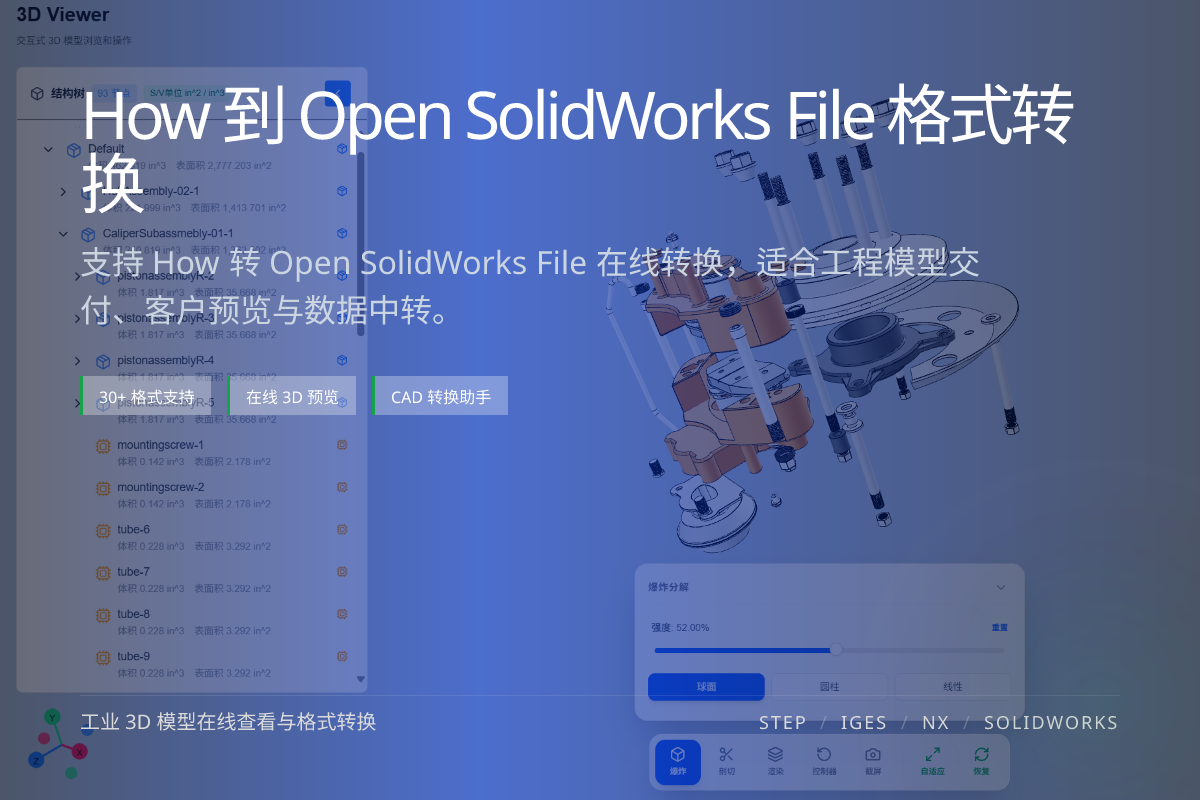
当前页面的正文主图会被搜索引擎直接抓取,用来补强页面主题与缩略图之间的关联。
Open SLDPRT / SLDASM online to rotate, zoom and inspect.
Turn SolidWorks files into STEP for broad CAD interchange.
Export to glTF, OBJ or STL for display, exchange or printing.
SLDPRT is a single SolidWorks part; SLDASM is an assembly that references multiple parts.
Both are native SolidWorks formats, which is why they normally require SolidWorks — but viewing and conversion tools can read them.
If you only need to confirm the model, an online viewer is fastest.
If you need to send it onward or use it in another tool, convert to STEP (for CAD) or glTF/OBJ/STL (for web, exchange or print).
Yes. You can view SLDPRT and SLDASM files in the browser or convert them to neutral formats.
Viewing preserves the assembly tree; converting to STEP also retains structure.
STEP for CAD interchange, glTF for web display, STL for 3D printing.