Built for DCC tools
FBX imports cleanly into Max, Maya, Blender and engines.
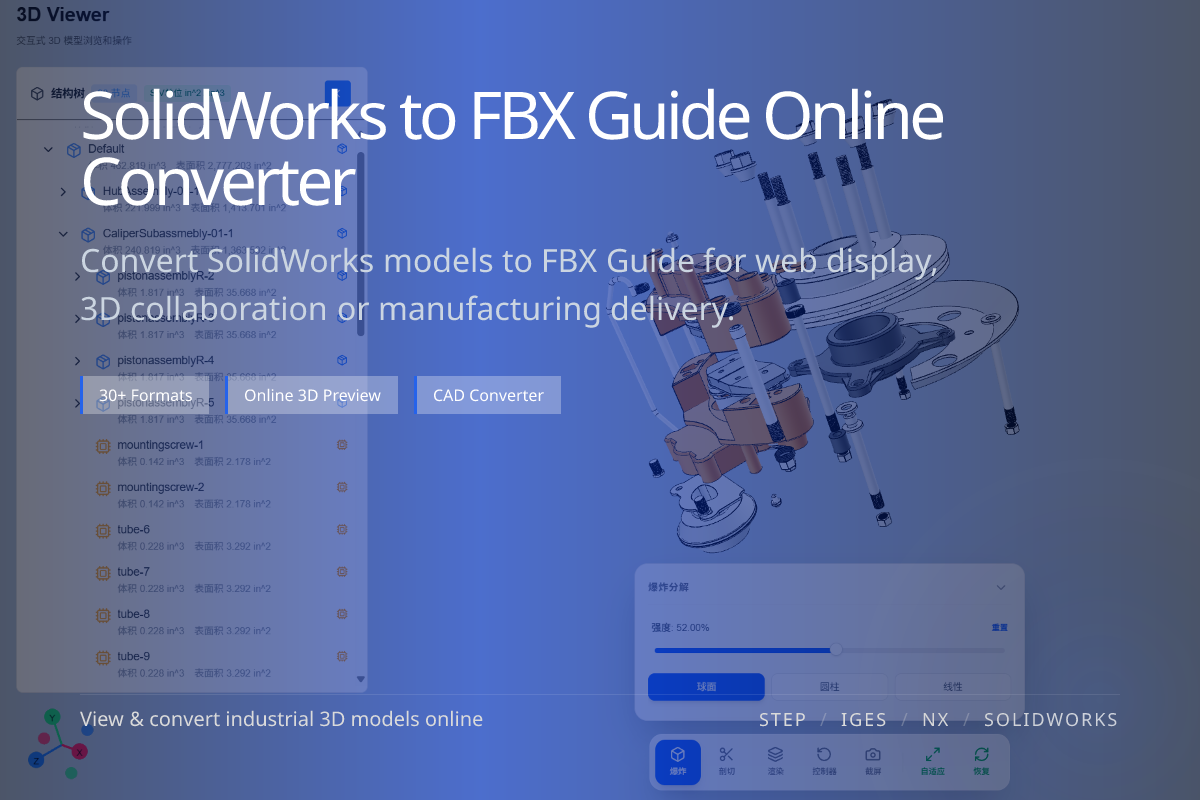
FBX is the bridge between CAD and the DCC world — 3ds Max, Maya, Blender and game engines. Converting SolidWorks parts and assemblies to FBX gets your design into visualization and animation pipelines.
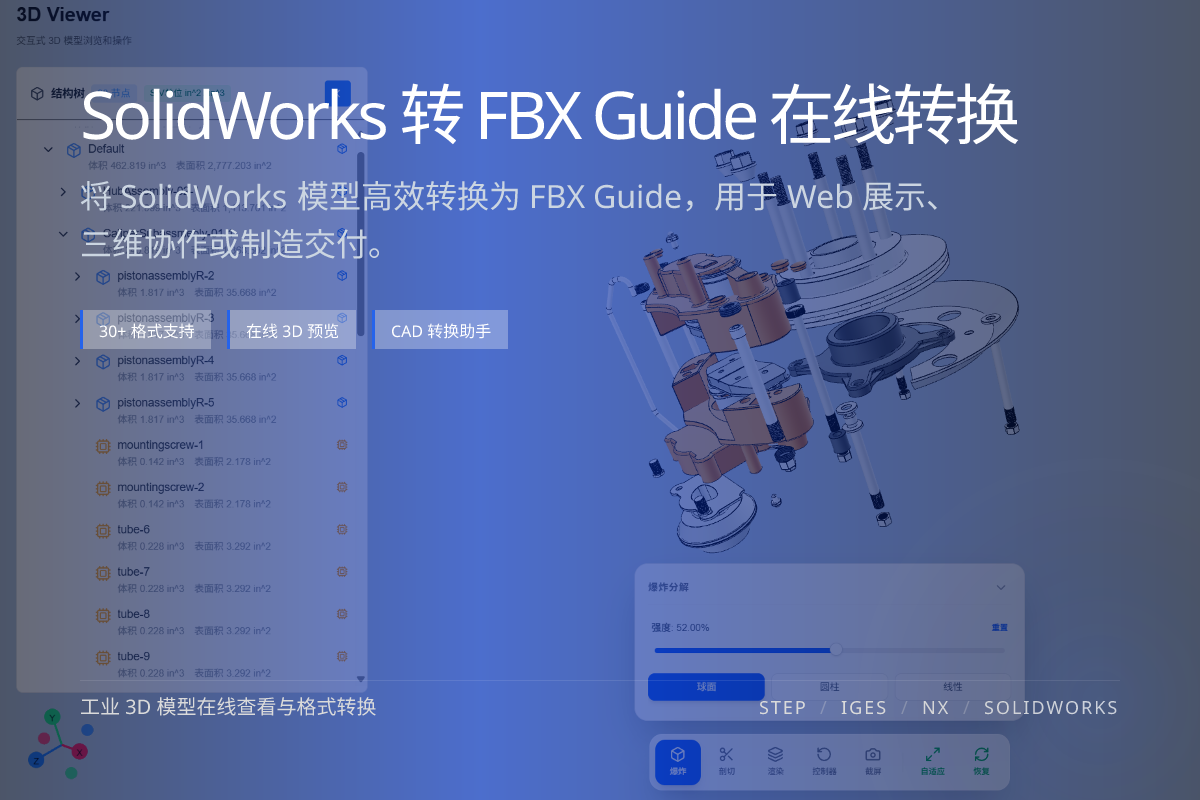
当前页面的正文主图会被搜索引擎直接抓取,用来补强页面主题与缩略图之间的关联。
FBX imports cleanly into Max, Maya, Blender and engines.
Keeps basic materials and scene hierarchy for rendering.
Tessellation density affects performance downstream.
Choose FBX for traditional DCC and game-engine pipelines; choose glTF for web and real-time delivery; choose OBJ for simple, broad interchange.
If your target is a browser, glTF is usually the better fit than FBX.
Confirm the SolidWorks model first, then convert with a tessellation level suited to your rendering needs.
Avoid maxing out mesh density unless you truly need it, to keep scenes responsive.
FBX can carry basic materials and scene hierarchy, useful for rendering.
For browser and real-time use, glTF is generally the better choice.
Yes, SLDASM assemblies can be converted while preserving structure.