Into DCC tools
FBX is the common format for 3ds Max and Maya, bringing CAD into animation and rendering.
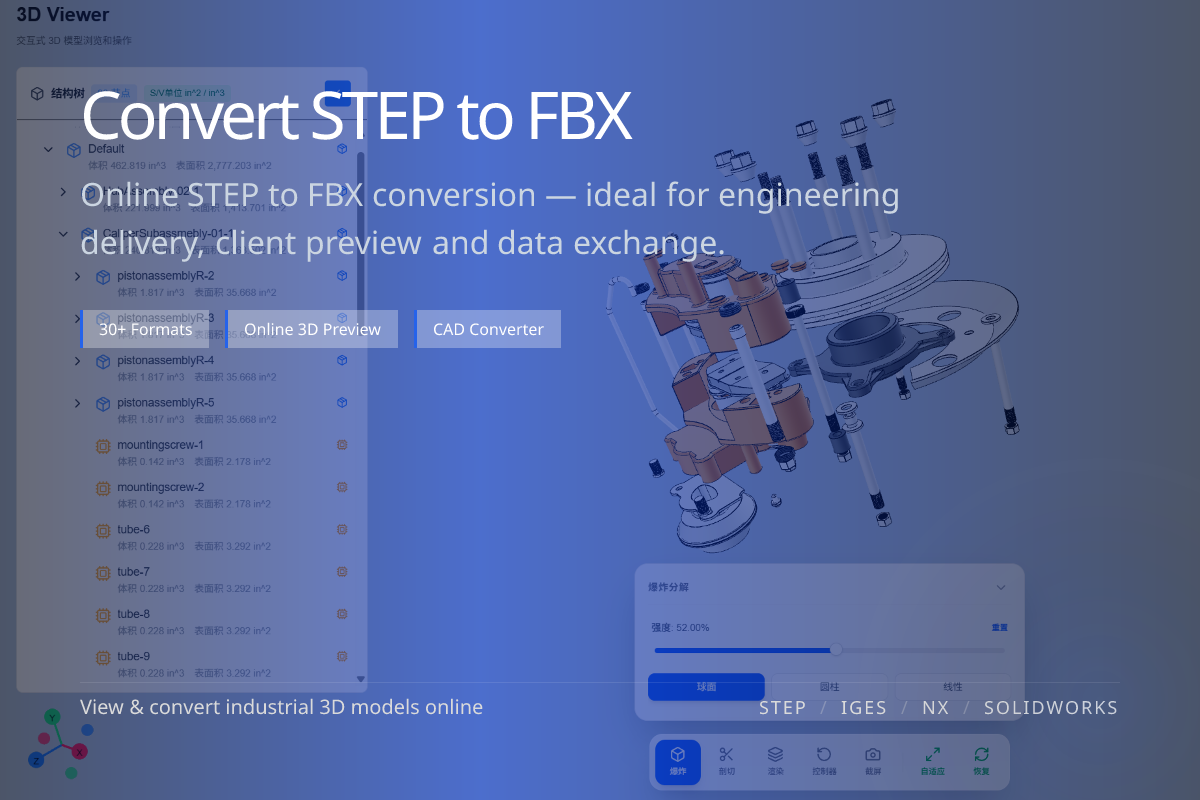
Convert STEP (.step / .stp) CAD models into FBX for 3ds Max, Maya, Unity and Unreal pipelines. Done online in WO3D — no installation required.
FBX is the common format for 3ds Max and Maya, bringing CAD into animation and rendering.
Unity and Unreal support FBX natively, ideal for product visualization.
No CAD or 3D software needed — upload STEP and get FBX out.
When engineering provides STEP but you need to render or animate in 3ds Max / Maya, or build visualization in Unity / Unreal, STEP to FBX is the usual bridge.
The conversion runs in the browser, saving you repeated import/export across multiple desktop apps.
STEP describes precise B-rep geometry; FBX is a triangle mesh.
The conversion is one-way (surfaces to mesh) — keep STEP for engineering edits.
Choose FBX for Max / Maya / Unity / Unreal; choose glTF / GLB for the web and mobile.
Pick the mesh format that matches your target pipeline to avoid re-converting.