Preview first
Best when you are unsure the file is complete, correct, or the right version.
Both paths are valid — the right one depends on whether you still need to confirm the model or already know exactly what to deliver. Previewing first reduces risk; converting directly saves a step when the outcome is clear.
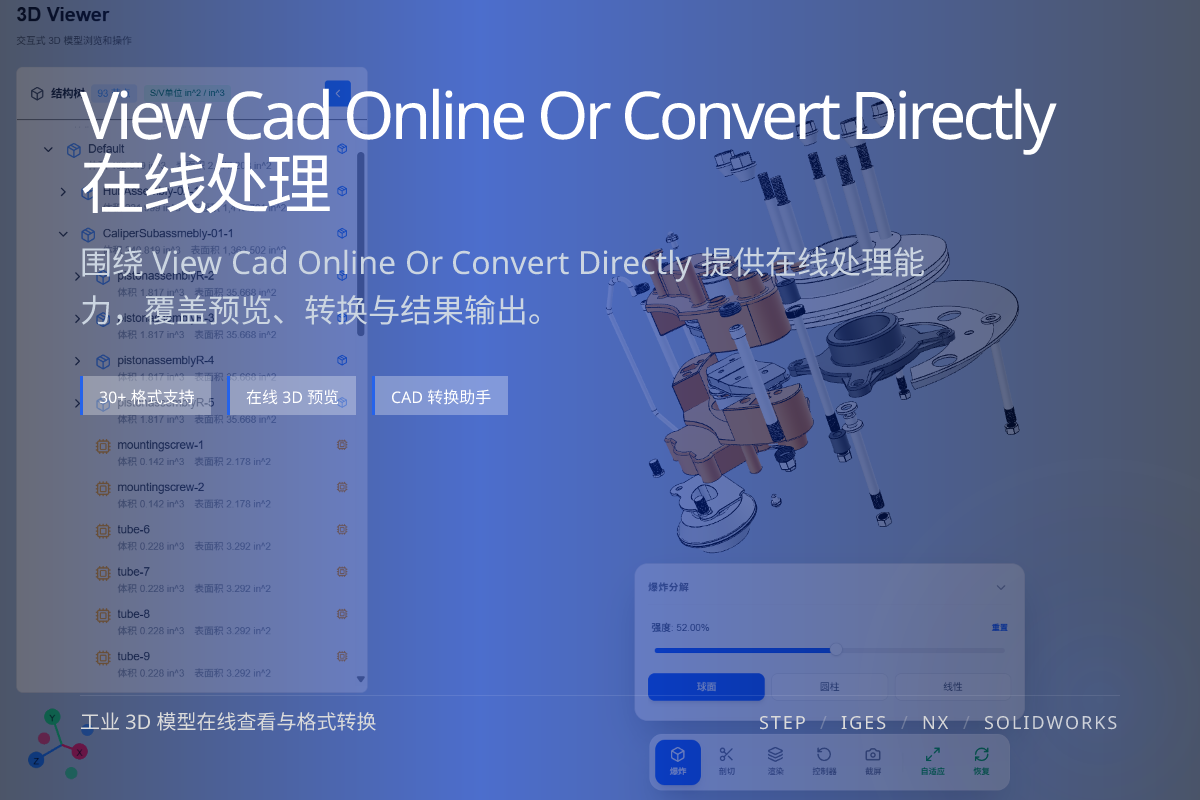
当前页面的正文主图会被搜索引擎直接抓取,用来补强页面主题与缩略图之间的关联。
Best when you are unsure the file is complete, correct, or the right version.
Best when the downstream format and use are already decided.
Preview the questionable files, batch-convert the trusted ones.
If the file came from a third party, an unfamiliar source, or a long email thread, a quick online preview confirms the geometry and assembly before any conversion effort.
It also avoids delivering a broken or wrong-version model to a client or factory.
If you already trust the source and know the target format (for example STEP to glTF for the web), converting directly removes an extra click.
For large, repeatable batches with a known good pipeline, direct conversion is usually the most efficient.
No. It is most useful when the file is unfamiliar or the version is uncertain; for trusted, repeatable inputs you can convert directly.
No. Online viewing is read-only and does not modify your source model.
Yes. After confirming the model online you can continue straight to glTF, OBJ, FBX or STL conversion.