STL = geometry only
STL stores triangles, not color, material, or assembly structure.

It is not a bug — the STL format simply has no place to store color. STL describes a surface as a set of triangles and nothing else. If color matters for your output, choose a format that supports it.
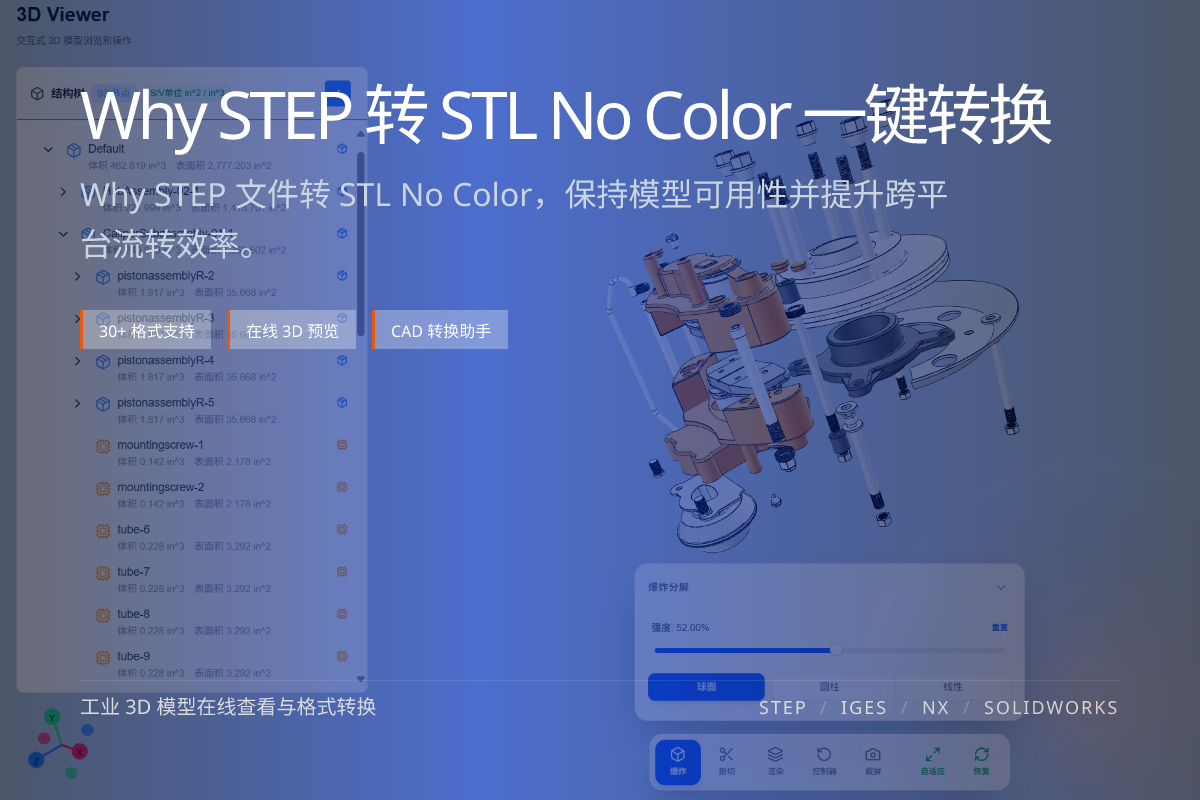
当前页面的正文主图会被搜索引擎直接抓取,用来补强页面主题与缩略图之间的关联。
STL stores triangles, not color, material, or assembly structure.
glTF/GLB and OBJ (with MTL) can carry color and materials.
3D printing rarely needs color; web/visual review usually does.
STL was designed for 3D printing and stereolithography, where only the surface mesh matters. There is no field for per-face color or materials in standard STL.
So any color present in the original STEP file is discarded during STEP to STL conversion.
For web display and visual review, convert STEP to glTF/GLB — it preserves color and materials and loads efficiently in browsers.
For generic 3D pipelines, OBJ with an accompanying MTL file can also retain basic color and material info.
No. Standard STL has no color storage. Use glTF/GLB or OBJ if color must be preserved.
No. The STEP file still has its colors; STL just cannot represent them.
glTF/GLB is the best choice for color-accurate, browser-friendly delivery.