Geometry to mesh
IGES surfaces are tessellated into STL triangles.
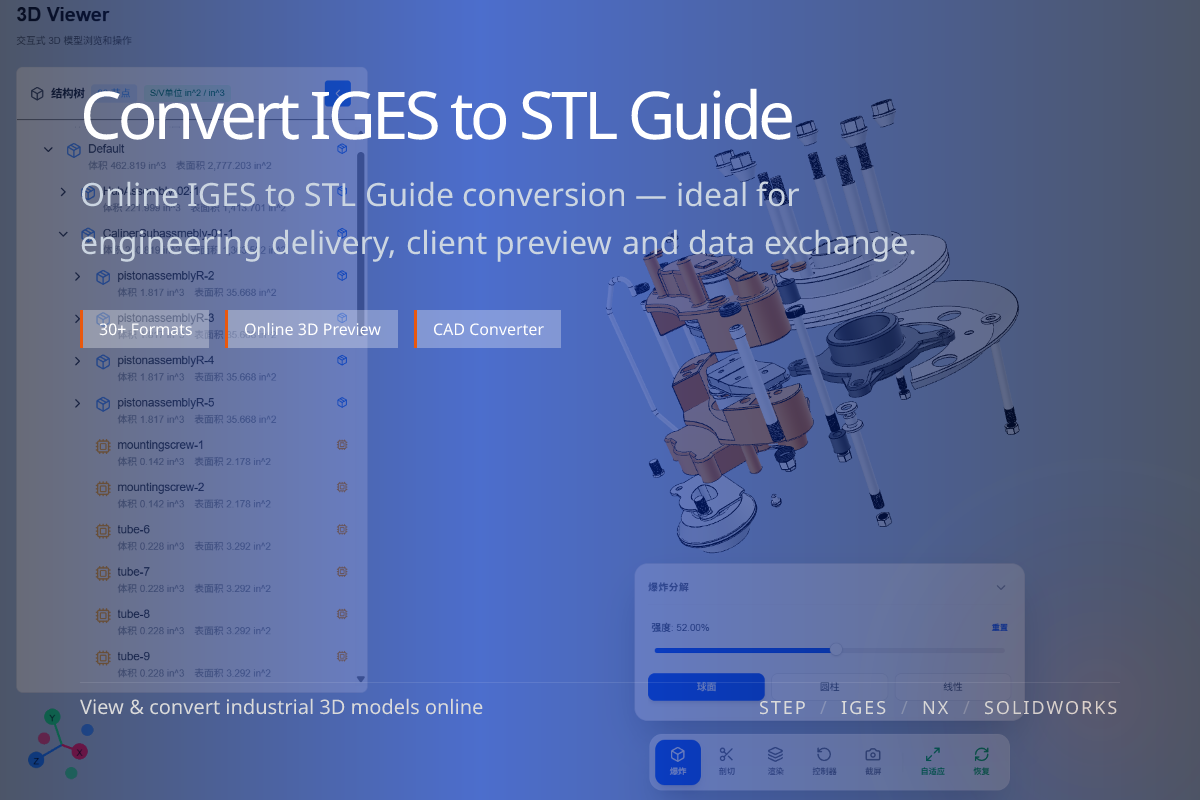
IGES is a neutral CAD surface format; STL is a triangle mesh for 3D printing. Converting between them is common, but a few choices — tessellation quality and expectations about color — make the difference between a clean print and a frustrating one.
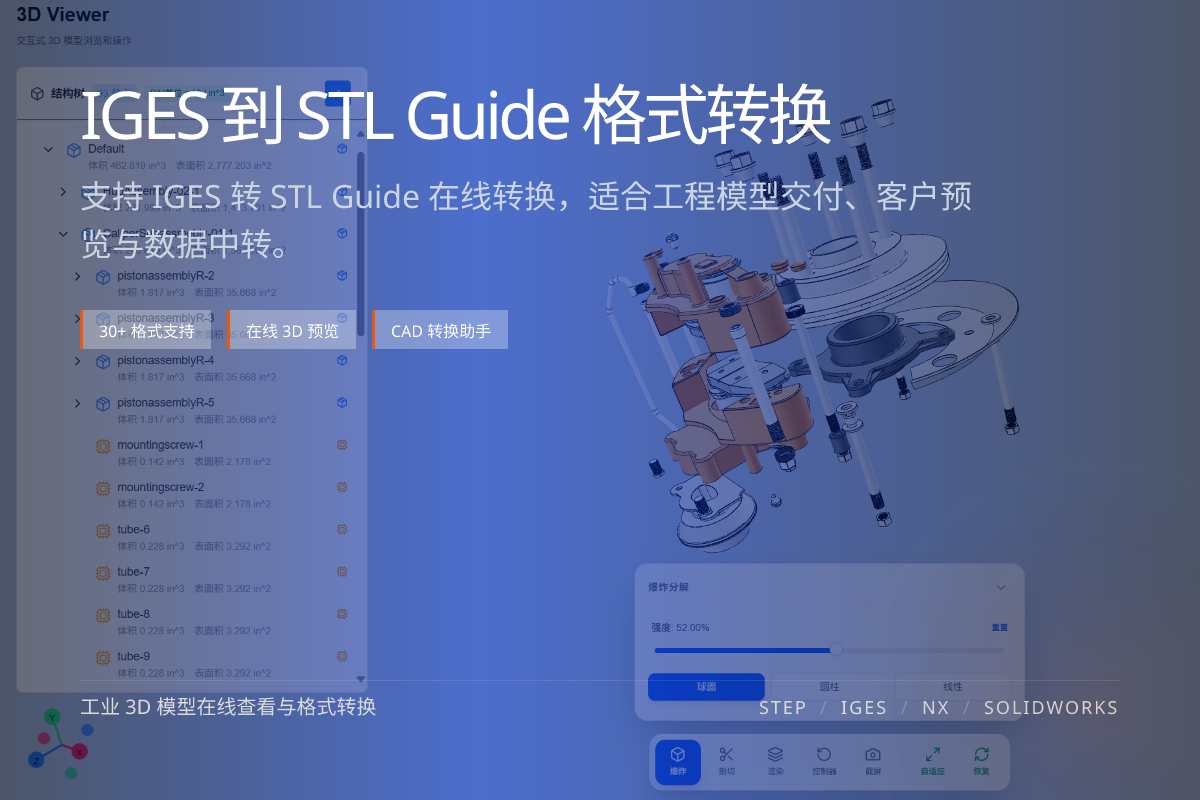
当前页面的正文主图会被搜索引擎直接抓取,用来补强页面主题与缩略图之间的关联。
IGES surfaces are tessellated into STL triangles.
Too coarse looks faceted; too fine bloats the file.
STL is geometry-only, so any color is dropped.
Higher quality yields smoother curves but larger files; lower quality is lighter but more faceted.
Match the resolution to your printer and part size rather than always maxing it out.
Expecting color in STL — it cannot store any; use glTF/OBJ if color matters.
Importing damaged or open IGES surfaces, which can produce non-manifold meshes; preview first to catch issues.
No. STL stores only geometry; color is not preserved.
Increase tessellation quality, balancing smoothness against file size.
Yes. A quick online preview helps catch open or non-manifold surfaces.