Streaming tiles
The model is split into spatial tiles and streamed by camera view, so you start looking before everything downloads.
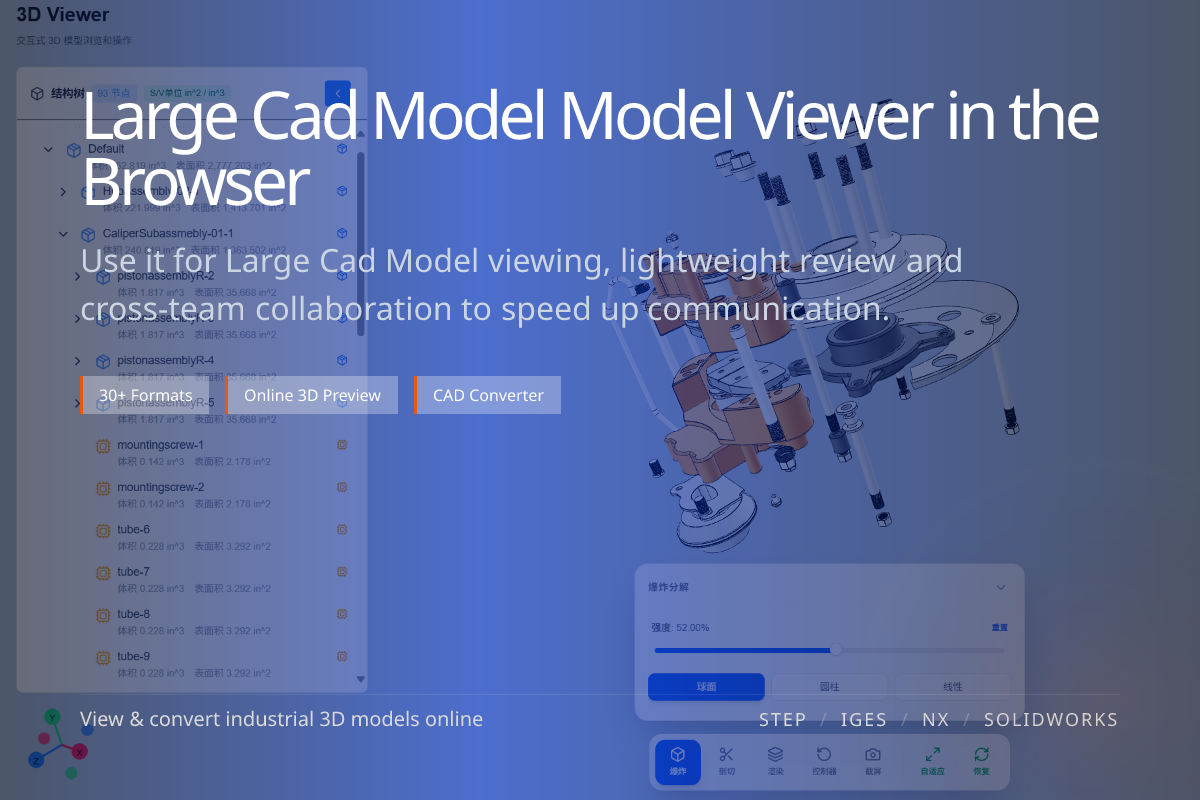
Opens large STEP / CATIA / SolidWorks assemblies directly in the browser — no software to install.
Big assemblies and whole-machine models often crash ordinary online viewers. Streaming tiles + LOD load only what the camera needs, so hundreds of MB of geometry open smoothly in the browser — rotate, pick and measure included.
The model is split into spatial tiles and streamed by camera view, so you start looking before everything downloads.
See the overall shape first, then finer detail loads with distance and dwell — interaction stays smooth.
Pure browser viewing with no heavy CAD software, and no out-of-memory crash from loading the whole model at once.
When you need to review whole-machine assemblies, large tooling or complex sub-assemblies with thousands of nodes and millions of triangles.
When you send a big assembly to a supplier, customer or another team that has no local CAD environment — just share a link and it opens.
Most viewers push the entire model into memory/GPU at once; large assemblies quickly exceed browser limits and crash.
Tiles + LOD tie the load to what is currently visible and clear, so even very large models stay usable.
Large models keep the structure tree, node picking, hide/highlight and distance/angle measurement.
That makes the online viewer suitable for real review and collaboration, not just a static preview.