Geometry integrity
No missing faces, gaps or collapsed parts.
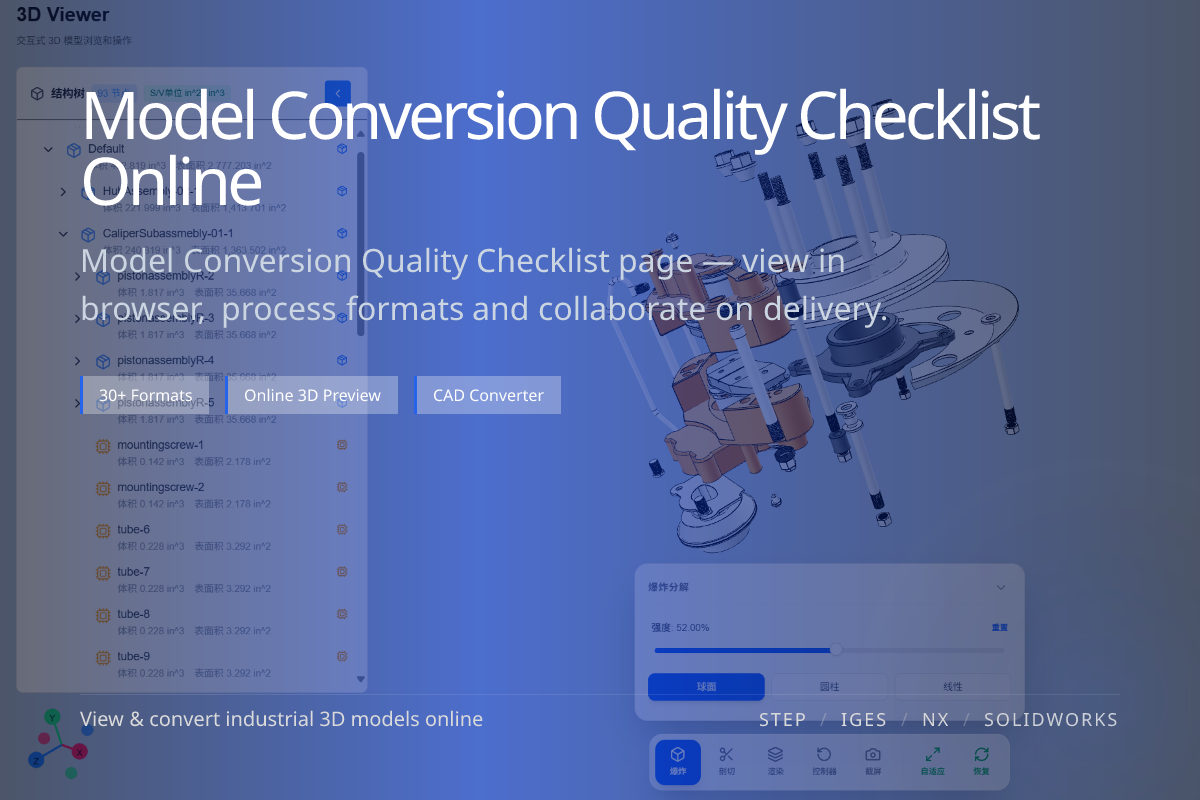
A conversion that opens is not necessarily a conversion that is correct. Run through a short checklist — geometry, scale, color, structure and mesh — before you deliver a converted model to anyone.

当前页面的正文主图会被搜索引擎直接抓取,用来补强页面主题与缩略图之间的关联。
No missing faces, gaps or collapsed parts.
Dimensions match the original; units are not off by 1000x.
Color survives if the target supports it; assembly is intact.
Open the converted model and confirm overall geometry, then verify scale and units, then color/material expectations for the chosen format.
Finally check the assembly structure and that mesh resolution suits the use (web, print or exchange).
Remember STL carries no color; glTF/OBJ can. STEP keeps precise geometry and structure; meshes approximate surfaces.
Judge quality against what the target format is actually capable of.
Not if you exported to STL, which has no color. Use glTF/OBJ to keep color.
Compare a known dimension against the original; unit mismatches often show as 1000x errors.
Match it to the use case — fine for visualization detail, lighter for performance.