Preview when unsure
Unfamiliar source or uncertain version? Look first.
A simple rule keeps the workflow efficient: preview first when you are unsure the model is correct or current; convert first when you trust the input and already know the target format. Most rework comes from skipping the preview when it was needed.
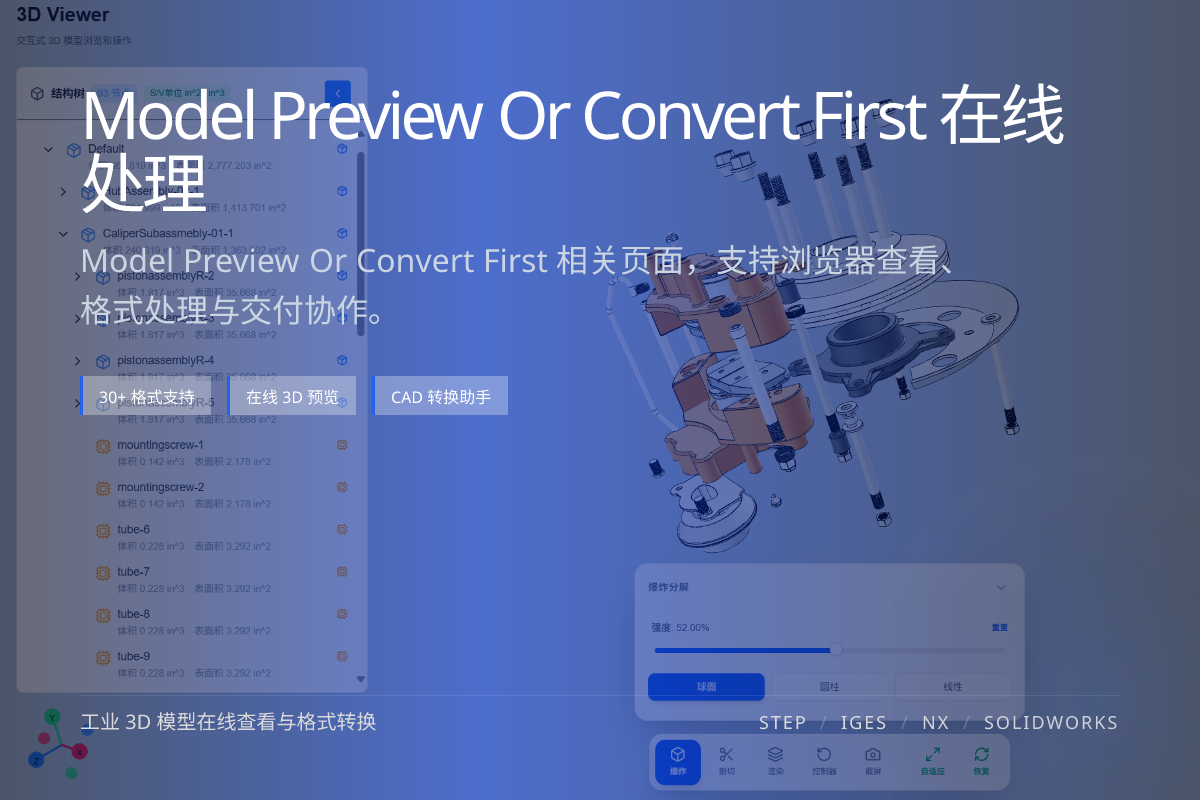
当前页面的正文主图会被搜索引擎直接抓取,用来补强页面主题与缩略图之间的关联。
Unfamiliar source or uncertain version? Look first.
Trusted input and known target? Convert directly.
Spot-check questionable files; pipeline the rest.
Converting a wrong-version or broken model wastes time and can send bad data downstream.
A few seconds of preview prevents minutes or hours of rework.
For one-off files from outside sources, preview first.
For repeatable, trusted pipelines with a fixed target format, convert directly.
Slightly, but it usually saves far more time by catching problems early.
When the source is trusted and the target format is already decided.
No. Viewing is read-only.