No software needed
View .stl meshes in the browser without a slicer or CAD tool.
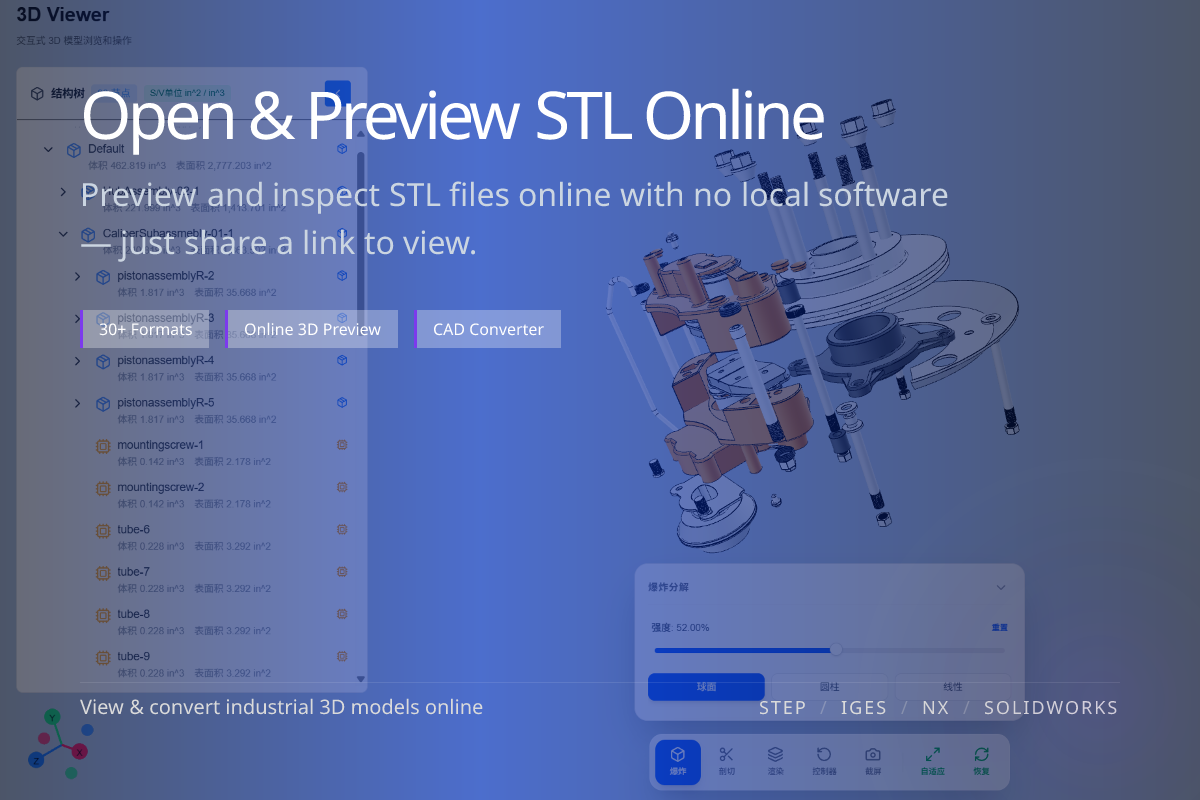
Opens .stl directly in the browser — no software to install.
Open and preview STL meshes directly in your browser. Inspect 3D print models for orientation, completeness and review before slicing — no 3D software required.
View .stl meshes in the browser without a slicer or CAD tool.
Confirm orientation and completeness before slicing and printing.
Once confirmed, convert STL to OBJ for content pipelines.
When you receive an STL and want to confirm it is complete and correctly oriented before printing.
For reviewers without a slicer, the online viewer is the fastest way to check an STL.
STL stores only triangle geometry — no color, units or structure.
Use the viewer to confirm shape and watertightness visually.
Viewing confirms the print mesh; conversion adds capabilities for content work.
For rendering and DCC, convert STL to OBJ after reviewing.